In Poland, BLIK is how most people pay online. You open your banking app, copy a 6-digit code and confirm the payment, all without typing a card number. On TopGift, you can pay with BLIK for gift cards, game credit and vouchers in the same way. This guide explains how it works step by step, what limits apply and how to avoid the BLIK scams that are common in Poland.
What BLIK Is and Why Poland Loves It
BLIK is a Polish mobile payment system built into the apps of almost every major bank in Poland. Instead of a card, you use a short code that your banking app generates on the spot.
BLIK at a glance
It has become hugely popular because it is fast and familiar. Millions of Poles use it every day for online shopping, cash withdrawals at ATMs and sending money to friends by phone number.
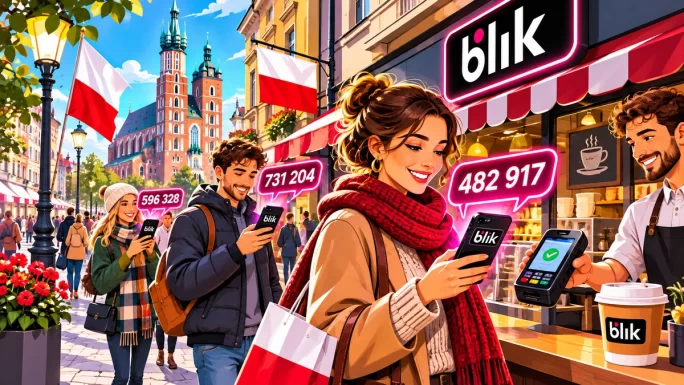
For shops, it also means fewer declined payments. Since the money comes straight from your bank account, there are no card limits for foreign purchases, no expiry dates and no card details to steal.
Moreover, BLIK keeps your card details out of online shops entirely. Even if a shop you used were ever breached, there would be no card number to leak, because none was ever entered.
How to Pay With BLIK on TopGift
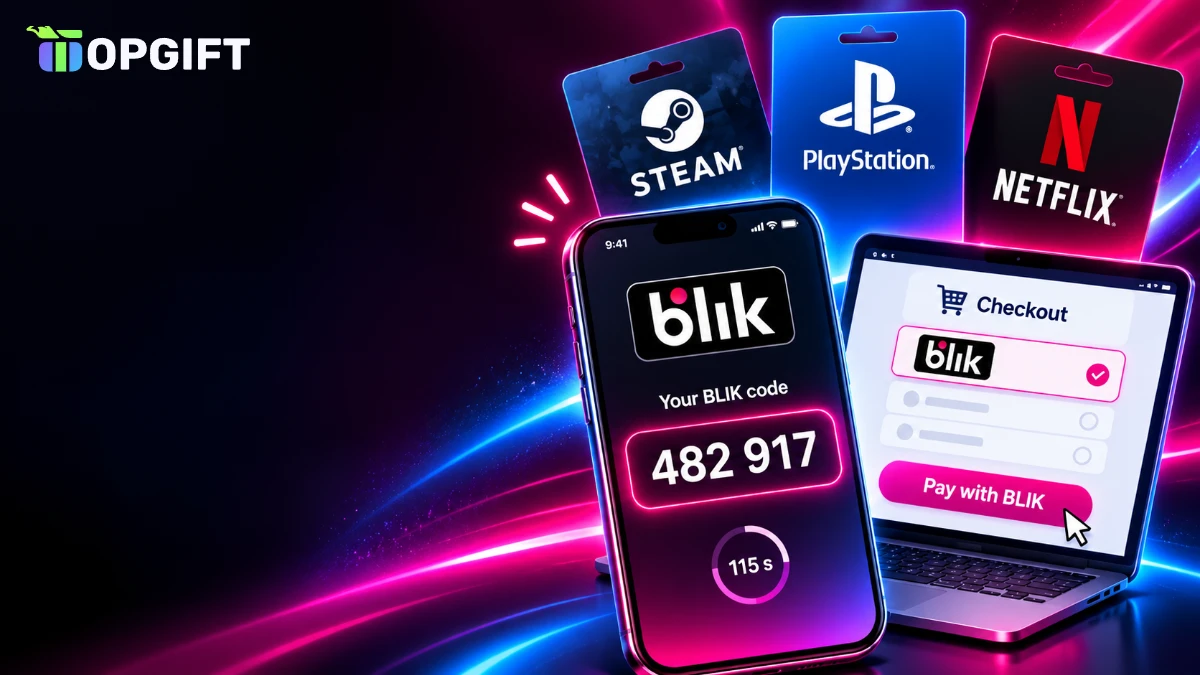
On TopGift, BLIK is a separate option at checkout, handled by our payment partner ZEN. The process takes well under a minute:
Pay with BLIK on TopGift
The confirmation step in your banking app is the most important part. It always shows the amount and the merchant, so take a second to check both before you approve. If anything looks wrong, simply reject it, and nothing is charged.
Most importantly, check the region of the gift card before paying. A Polish Steam card, for instance, only works on a Polish Steam account, and BLIK cannot warn you about a mismatch.
Where the 6-Digit Code Comes From
The code is created inside your banking app, not sent by SMS. In most apps, you find it on the start screen or under a dedicated BLIK button, often even before you log in fully.
Each code works only once and expires after about two minutes. Therefore, open the app only when the checkout is ready and waiting for the code. If it expires, just generate a new one; there is no limit on how many codes you can create.
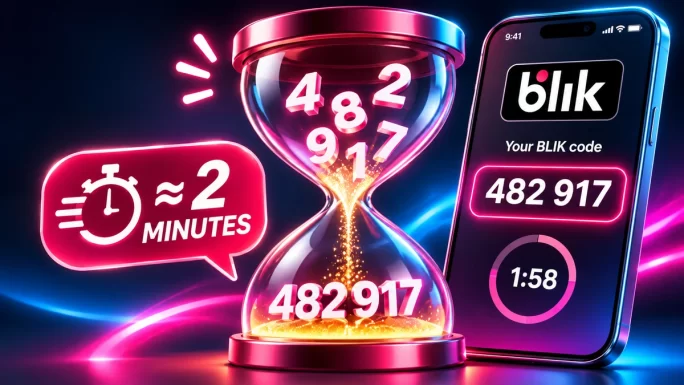
Also, the code is not linked to a specific shop until you enter it. That is why you must never share it with anyone, as we explain in the safety section below.
As a habit, generate the code with the checkout already open on the payment step. That way, you never have a valid code sitting on your screen longer than needed.
Paying With BLIK on a Computer or a Phone
BLIK works the same way on both devices, but the experience is slightly different:
- On a computer: you shop on the screen and generate the code on your phone. It feels natural, because the two devices sit side by side.
- On a phone: you switch between the browser and the banking app. Copy the code, return to the browser, paste it, then switch back to confirm.
On a phone, the app switching can be a little fiddly. However, some banks show a notification you can tap to confirm, which saves one step. Either way, the whole payment usually takes less than a minute.
If the browser reloads while you switch apps, the payment page may reset. In that case, start the payment again with a fresh code rather than reusing the old one.
BLIK Without a Code
Many Polish banks also offer BLIK payments without a code for shops you use often. After the first payment, you can save the shop as trusted in your banking app. Next time, you simply confirm a notification instead of typing a code.
Whether this option appears depends on your bank and on the shop. When it is available, it makes repeat purchases even faster, while the confirmation in the app keeps the same level of security.
You can remove a trusted shop at any time in your BLIK settings. Many people do this for shops they no longer use, simply to keep the list tidy.
Still, even without a code, every payment needs your approval in the app. Nothing is charged automatically, which is a key difference from a saved card.
Limits and Security Settings
BLIK limits are set by your bank, not by the shop. In most banking apps, you can view and change them in the BLIK settings:
- Online payment limit: the maximum for internet purchases, per day or per transaction.
- ATM limit: how much you can withdraw with a BLIK code.
- Phone transfer limit: how much you can send to friends by phone number.
If a larger gift card order fails, a low online limit is often the reason. Raise it in the app for the purchase, and lower it again afterwards if you prefer.
TipSet a modest daily online limit for everyday use. It protects your account if someone ever tricks you into confirming a payment, and you can raise it in seconds when you need to.
In addition, many apps let you turn BLIK off entirely, which is useful if you lose your phone or rarely use it.
Currency Rules When You Pay With BLIK
BLIK payments are made in Polish złoty, because the money comes from a Polish bank account. If an order is priced in another currency, the amount is converted before you confirm, and your banking app shows the final figure in PLN.
So always look at the PLN amount in the confirmation screen. That is exactly what will leave your account, with no extra card fees added on top by your bank.
Remember, too, that the currency you pay in is separate from the gift card region. You can pay in złoty for a card meant for Germany; however, that card will still only work on a German account.
Popular Gift Cards for Polish Accounts
Since most BLIK users live in Poland, cards for Polish accounts are the most popular choice. TopGift offers Polish versions of many big brands:
- Gaming: Steam, PlayStation, Xbox, Nintendo, Roblox, Riot Games and Razer Gold cards for Poland.
- Entertainment: Netflix, Apple and Google Play cards for Polish accounts.
- Shopping and food: Amazon, Zalando, Sephora, Douglas and Uber Eats cards for Poland.
Poland
Steam Gift Card Poland
Steam Wallet credit in złoty for Polish Steam accounts. Pay with BLIK and redeem the code in seconds.
Buy Steam Gift Card PolandConsole players often go for PlayStation credit, especially before big releases. With a Polish card, the balance lands in złoty on your PSN wallet, ready for games and subscriptions.
Poland
PlayStation Store Gift Card Poland
PSN wallet credit in złoty for Polish PlayStation accounts. Ideal for games, add-ons and PlayStation Plus.
Buy PlayStation Gift Card PolandYou can also browse all gift cards, gaming cards, payment cards and crypto gift cards and filter by region.
Paying With BLIK for Gifts
BLIK is also a quick way to buy presents. You pay from your own account, and the code arrives by email, ready to pass on to the recipient.
- Match the region: choose a Polish card for someone with a Polish account, or the right country for friends abroad.
- Pick a round value: enough for a game, a few months of a subscription or a shopping trip.
- Send it personally: copy the code into a card or message rather than forwarding the order email.
Because nothing ships, a digital card works even for last-minute birthdays and Mikołajki on 6 December. For example, you can pay with BLIK in the morning and hand over the code at lunch.
Why a BLIK Payment Fails
BLIK payments rarely fail. When they do, the reason usually shows in the banking app:
BLIK problems and fixes
| What happens | Likely cause | What to do |
|---|---|---|
| Code rejected | The code expired or was mistyped | Generate a new code and enter it quickly |
| Payment declined in the app | Online BLIK limit too low | Raise the limit in the BLIK settings |
| No confirmation appears | App notifications off or app not open | Open the banking app manually and check pending payments |
| Insufficient funds | Not enough money on the account | Top up the account or choose a smaller order |
| Payment page reset | Browser reloaded while switching apps | Start again with a fresh code |
If money left your account but no order appears on TopGift, do not pay again. Instead, contact our support team with the time and amount, so we can match the payment and deliver your code.
BLIK Compared With Cards and Paysafecard
Poles have several popular ways to pay online. Here is how BLIK compares with the main alternatives:
BLIK vs other methods
| Method | What you need | Best for |
|---|---|---|
| BLIK★ Most popular | A Polish banking app | Fast payments straight from your bank account |
| Bank card | Card number and 3D Secure | Shops outside Poland and recurring payments |
| Paysafecard | A prepaid 16-digit PIN | Paying without any bank link at all |
| Apple Pay or Google Pay | A card saved in your phone wallet | One-tap payments on a phone |
In short, BLIK is usually the quickest option for anyone with a Polish bank account. Paysafecard, by contrast, suits people who want no link to a bank at all, as explained in our guide on how to pay with Paysafecard.
For gamers, the choice often comes down to habit. Many younger players pay with BLIK from their first bank account, while others prefer a prepaid voucher to keep gaming spending separate from their main account.
Staying Safe When You Pay With BLIK
BLIK is very secure as a system, but scammers target the people who use it. The best-known trick in Poland works like this: a criminal takes over someone’s social media account and messages their friends, asking to borrow money “na BLIKa” by sending a code.
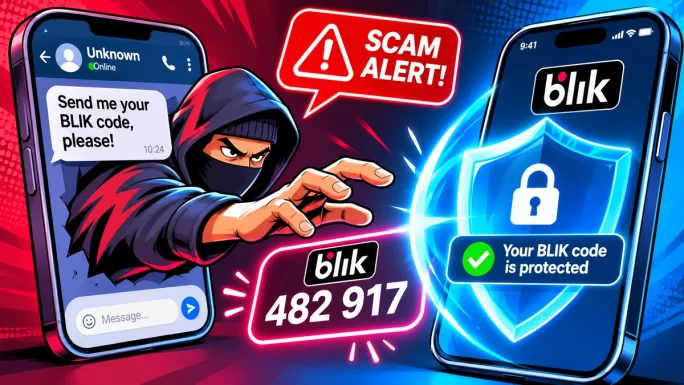
The victim generates a code, sends it, and then confirms a payment or ATM withdrawal they believe is a transfer to a friend. In reality, the money goes straight to the scammer.
- Never send a BLIK code to anyone, even a friend or family member.
- Call the person on the phone if they ask for money by message.
- Read the confirmation screen: it shows whether it is a shop payment or an ATM withdrawal, and the amount.
- Only enter codes on the checkout page you opened yourself.
Our guide to gift card scams covers more tricks to watch for, especially around the holidays.
BLIK Outside Poland
For now, BLIK is mainly used with Polish bank accounts. The company behind it has started working with banks in other countries in the region, so availability may grow over time.
If you live abroad but keep a Polish bank account, you can still pay with BLIK as usual. The banking app works anywhere, and the payment is simply made in złoty from your Polish account.
Other Ways to Pay in Poland
BLIK is not the only option for Polish shoppers on TopGift. Depending on the order, you can also use a bank card, Apple Pay, Google Pay, PayPal, Paysafecard, Skrill, Neteller or crypto.
Our guides to Apple Pay, Google Pay and PayPal explain each of them. Whichever you choose, delivery and the gift cards themselves are exactly the same.
If you already use Revolut alongside a Polish bank, our Revolut guide shows how to pay with it too, including how to avoid weekend exchange fees.
Frequently Asked Questions
Yes. Choose BLIK at checkout, generate a 6-digit code in your banking app, enter it and confirm the payment in the app.
About two minutes. If it expires, simply generate a new code in your banking app.
BLIK payments come from a Polish bank account in złoty. If the order is in another currency, it is converted, and the app shows the final PLN amount.
Usually because the code expired, the online BLIK limit is too low, or there is not enough money on the account.
Yes, as long as you only enter codes on pages you opened yourself and never send a code to anyone by message.
Yes. BLIK works through the apps of Polish banks, so you need an account with one of them.
Key Takeaways