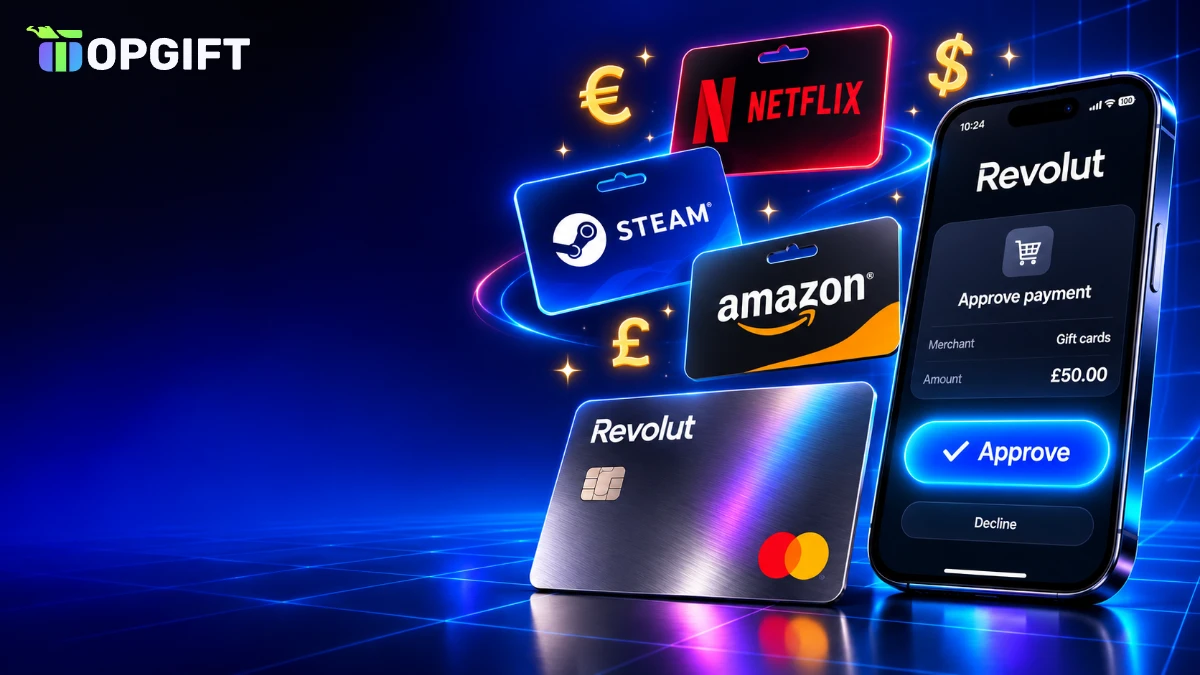
If you bank with Revolut, you already have one of the easiest ways to pay online. On TopGift, you can buy gift cards with Revolut in three ways: approve the payment straight in the Revolut app, use your Revolut card, or tap Apple Pay or Google Pay with that card. This guide shows each route step by step, explains how to avoid exchange fees and covers what to do if a payment is declined.
Three Ways to Buy Gift Cards With Revolut
Revolut works with almost every checkout on TopGift. The route you pick mostly depends on where you are and what device you use.
Your Revolut options on TopGift
| Method | How you confirm | Best for |
|---|---|---|
| Pay by Revolut★ Fastest | Approve in the Revolut app | Paying from your account balance in one tap |
| Revolut card | Card details plus app approval | Any device, any browser |
| Apple Pay or Google Pay | Face ID, fingerprint or PIN | Fast checkout on a phone |
All three take money from the same Revolut account. The difference is how you confirm and which details you share. In particular, Pay by Revolut never asks for a card number at all.

However, availability can depend on your country, so you may not see every option. Even so, at least one of them works for nearly all Revolut users in Europe and the UK.
If you are unsure which to choose, start with the method that matches your device. On a phone, a wallet or Pay by Revolut is quickest. On a computer, the card or a QR code works best.
How to Buy Gift Cards With Revolut Using Pay by Revolut
Pay by Revolut is a separate option at checkout, handled by our payment partner PayDo. Instead of typing card details, you confirm the payment in the Revolut app.
Pay by Revolut on TopGift
On a phone, the Revolut app usually opens by itself. On a computer, you scan a QR code instead and confirm on your phone. Either way, the money leaves your Revolut balance directly.
Make sure the balance in the payment currency is high enough before you start. If it is not, top up your account or exchange money first, so the payment does not fail halfway through.
Furthermore, it helps to keep your Revolut app updated and signed in. An outdated app can fail to open the payment request, which makes it look as if the checkout has stopped working.
Using Your Revolut Card at Checkout
In practice, your Revolut card works like any other Visa or Mastercard at checkout. Choose the card option, enter the number, expiry date and CVV, and confirm.
After that, most card payments trigger a 3D Secure check. Revolut sends a push notification to your phone, and you approve the payment in the app. Once you do, the order completes within seconds.
Above all, this route is handy on a computer, since it does not depend on wallets or QR codes. It also lets you use a specific card, such as a virtual card you keep only for online shopping.
If you prefer not to type the card number each time, the next option is quicker.
Revolut in Apple Pay and Google Pay
To start, Revolut cards can be added to Apple Pay and Google Pay in a few taps, right from the Revolut app. After that, they show up as wallet options on TopGift.
- On iPhone: choose Apple Pay at checkout and confirm with Face ID or Touch ID.
- On Android: choose Google Pay and confirm with your fingerprint, face or PIN.
- Card choice: pick your Revolut card in the wallet sheet if it is not your default.
As a result, the shop never sees your Revolut card number in this case, only a secure token. Our guides to buying with Apple Pay and buying with Google Pay explain both wallets in more detail.
Moreover, wallet payments usually skip the extra Revolut approval step, because the device check already confirms it is you.
Paying With Revolut on Mobile vs Desktop
Of course, the device you shop on changes the experience a little, although the result is the same.
- On a phone: Pay by Revolut opens the app directly, and Apple Pay or Google Pay take one tap. This is the fastest route.
- On a computer: Pay by Revolut shows a QR code to scan, while a card payment sends an approval request to your phone.
- On a tablet: it works like a phone if the Revolut app is installed, otherwise like a computer.
In every case, the final approval happens on the phone where your Revolut app lives. Keep it nearby and unlocked when you check out, and the whole process takes well under a minute.
Which Currency to Pay In
Revolut holds money in many currencies at once, which is a real advantage when you shop internationally. The trick is to pay in a currency you already hold.
For example, if you have euros in your account and the order is in euros, nothing is converted. If the order is in pounds and you only hold euros, Revolut converts the amount at the moment of payment.
Quick currency rules
Remember that the currency you pay in and the gift card region are separate things. You can pay in euros for a card meant for the United Kingdom; the region only decides where the code can be redeemed.
Additionally, Revolut shows the exact amount and any conversion before you confirm in the app. Take a second to check it, especially for larger orders or unusual currencies.
Exchange Fees When You Buy Gift Cards With Revolut
On weekdays, Revolut usually converts currencies at or close to the market rate, up to a monthly allowance that depends on your plan. Above that allowance, a small fair usage fee may apply.
On weekends, however, currency markets are closed, and Revolut typically adds a markup to protect against price moves. As a result, converting on a Saturday can cost noticeably more than on a Tuesday.
- Exchange in advance: convert money on a weekday and keep it in the currency you plan to spend.
- Check your allowance: the Revolut app shows how much fee-free exchange your plan still has this month.
- Pay in your own currency: where TopGift lets you, choose the currency you already hold.
Still, the exact fees change from time to time and differ by plan, so always check the current terms in your app before a large order.
Disposable Virtual Cards for Online Orders
Revolut offers disposable virtual cards, which generate a new card number after each payment. Depending on your plan, they may be included or available for a small fee.
In other words, they are a neat extra layer of safety for online shopping. Even if a card number were ever exposed, it would already be useless after your order.
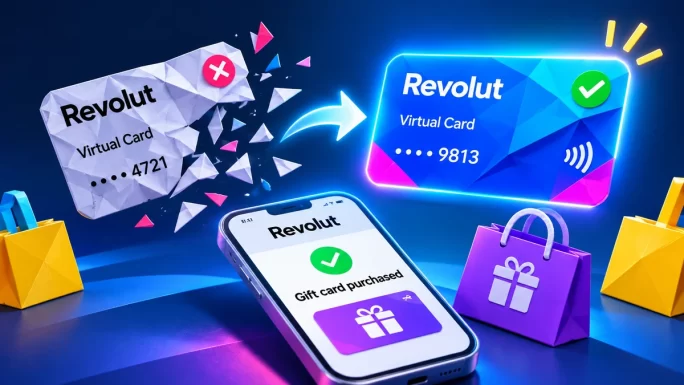
However, disposable cards are not ideal for subscriptions or anything you might need to refund later, since the number changes. For gift card orders, which are one-off purchases, they work very well.
TipCreate a separate virtual card for online shopping and set a monthly spending limit on it in the Revolut app. That way, your main card never touches a checkout.
In addition, you can freeze or unfreeze any Revolut card instantly in the app, which is useful if you only shop online now and then.
Why a Revolut Payment Can Be Declined
In general, Revolut payments rarely fail, and when they do, the reason is usually quick to fix.
Declines and fixes
| What happens | Likely cause | What to do |
|---|---|---|
| Declined at once | Online payments disabled on the card | Enable them in the card security settings |
| Payment not approved | The app notification was missed or expired | Retry and approve the push notification quickly |
| Insufficient funds | Not enough in the payment currency | Top up or exchange money, then retry |
| Blocked as suspicious | Revolut fraud check on a gift card order | Confirm it was you in the app, then retry |
| Card frozen | The card was frozen in the app | Unfreeze it and try again |
On top of that, Revolut sometimes flags gift card purchases, because scammers often ask victims to buy them. If the app asks whether someone told you to make the payment, answer honestly. When it is your own purchase, the payment goes through after you confirm.
Avoid retrying many times in a row, too. If two attempts fail, check the in-app chat or contact our support team with the order number.
Paying With Revolut vs Topping Up Revolut
These two things are easy to confuse. Paying with Revolut means using your Revolut money to buy a gift card. Topping up Revolut, by contrast, means using a gift card to add money to a Revolut account.
The second option is useful for people who receive money in vouchers or who cannot top up with a bank card. TopGift sells Revolut gift cards for exactly that, and our guide on how to top up Revolut, Wise or PayPal without a bank card explains the process.

4 currencies
Revolut Gift Card
Prepaid voucher that tops up a Revolut account without a bank card. Pick the currency of your account.
Buy Revolut Gift CardIn short, if you already have money in Revolut, pay with it. If you want to put money into Revolut without a card, a Revolut gift card is the way in.
Besides, some people do both. They keep a small Revolut balance for online shopping, top it up with a Revolut gift card when needed, and then pay for games or subscriptions from that balance.
Gift Cards Worth Buying With Revolut
Revolut users tend to shop across borders, so a few gift cards are especially popular:
- Streaming: Netflix and Spotify cards for the country of your account.
- Gaming: Steam, PlayStation and Xbox credit in many regions.
- Shopping: Amazon cards for the store in your country.
- Prepaid payment cards: vouchers for paying elsewhere online.

12 regions
Netflix Gift Card
Netflix credit for your streaming plan, without a card on your account. Choose the card for your Netflix country.
Buy Netflix Gift CardSimilarly, expats often use Revolut to buy cards for their home country. For instance, someone living in Spain might pay in euros for a UK Netflix card to keep a British account running.
Browse all gift cards, gaming cards, payment cards and crypto gift cards to find the right one.
Buying Gift Cards With Revolut for Family Abroad
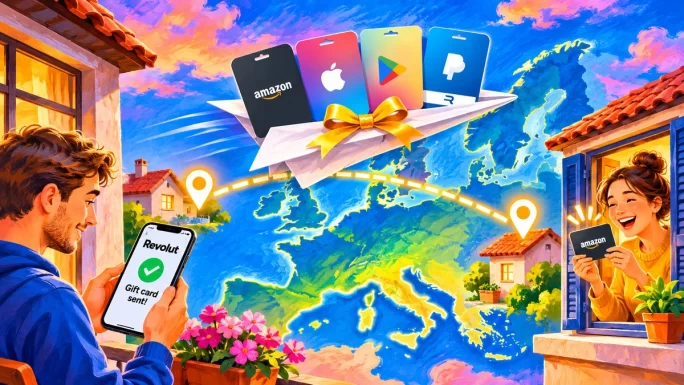
Likewise, Revolut is popular with people who live in one country and have family in another. Gift cards are a simple way to send a present across borders, and paying with Revolut keeps the cost low.
- Match the region: choose the card for the country of the recipient, not your own.
- Pay in the right currency: if you hold that currency in Revolut, pay in it to avoid conversion.
- Send the code personally: copy it into a message rather than forwarding the order email.
For example, a parent in Germany can pay in euros for a Polish PlayStation card and send the code to a teenager in Warsaw within minutes. No parcel, no shipping and no bank transfer is needed.
Keeping Your Revolut Account Safe
After all, gift card codes work like cash, and scammers know that Revolut users can pay in seconds. A few habits keep your money safe:
- Never buy cards for strangers: no bank, tax office or company asks to be paid in gift cards.
- Check payment requests: only approve app notifications for purchases you just started.
- Use spending limits: set monthly limits on cards you use for online shopping.
- Keep codes private: once delivered, a code can be used by anyone who has it.
Our guide to gift card scams shows the most common tricks. For larger orders, a short verification may also be part of normal fraud protection, as explained in our guide to account verification.
Pay by Monzo and Other Bank App Options
Revolut is not the only bank app you can pay with. TopGift also offers Pay by Monzo for UK customers, which works the same way: you confirm the payment in the Monzo app instead of typing card details.
Beyond bank apps, the checkout includes PayPal, Skrill, Neteller, Paysafecard, crypto and local methods such as BLIK, Interac, OXXO and GCash, depending on your country. Our guides to buying with PayPal and paying with Paysafecard cover two of the most popular.
Whichever method you choose, the gift cards and delivery are exactly the same, so pick whatever is most convenient for you.
If none of the bank app options appear, the reason is usually your country or the order currency. In that case, a regular card payment with your Revolut card still works.
Frequently Asked Questions
Yes. On TopGift, you can use Pay by Revolut, your Revolut card, or Apple Pay and Google Pay with your Revolut card added.
It is a checkout option where you confirm the payment in the Revolut app instead of entering card details. On a computer, you scan a QR code to open the app.
Paying in a currency you hold is usually free. Converting currencies may cost extra above your plan allowance or on weekends.
Common reasons are disabled online payments, a missed app approval, low balance in the payment currency or a fraud check on gift card orders.
Yes. Disposable virtual cards work well for one-off gift card orders, since the card number changes after the payment.
Yes. A Revolut gift card adds money to a Revolut account without a bank card. TopGift sells them in several currencies.
Key Takeaways