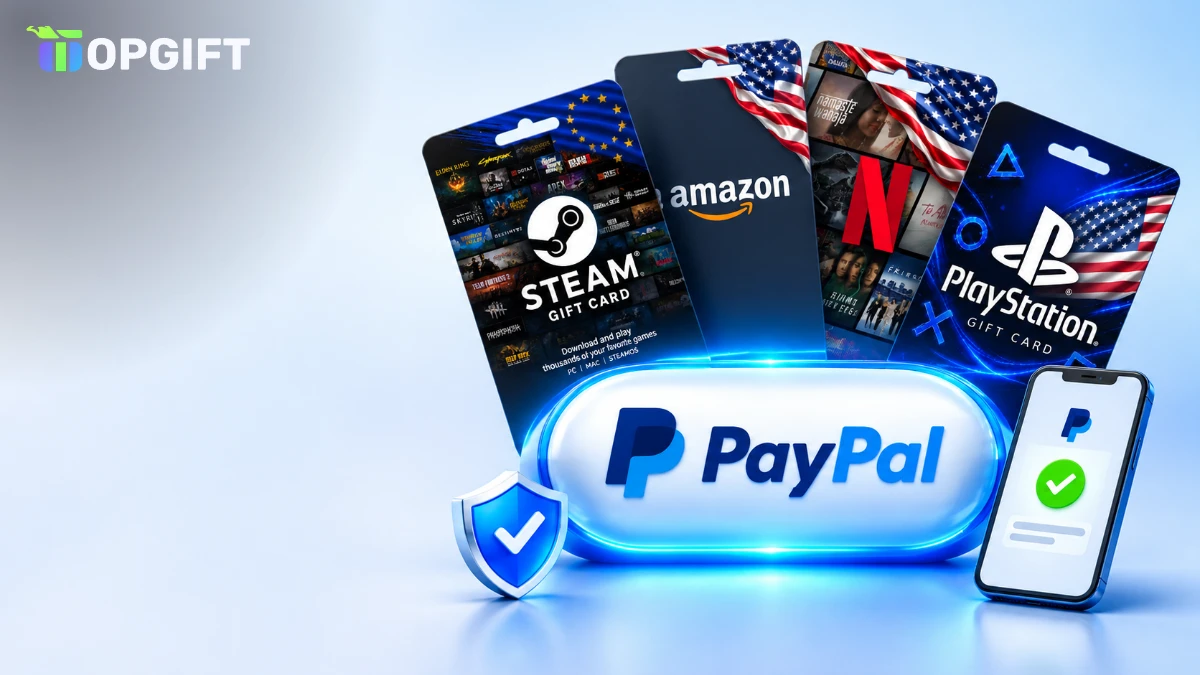
PayPal is the payment method many people trust most online. You do not type card numbers into every shop, and the payment takes two clicks. Yet when it comes to gift cards, plenty of stores quietly remove PayPal from the checkout. This guide explains why that happens, how to buy gift cards with PayPal on TopGift step by step and how to avoid extra costs, delays and scams along the way.
Can You Buy Gift Cards With PayPal
Yes. TopGift accepts PayPal at checkout, so you can pay for digital gift cards, gaming cards and other codes with your PayPal account. In most cases, the code arrives within minutes after the payment is confirmed.
Paying with PayPal at a glance
Keep in mind that the exact payment options can depend on your country and on what is in your cart. So, if you do not see PayPal at checkout, check the alternatives section at the end of this guide.
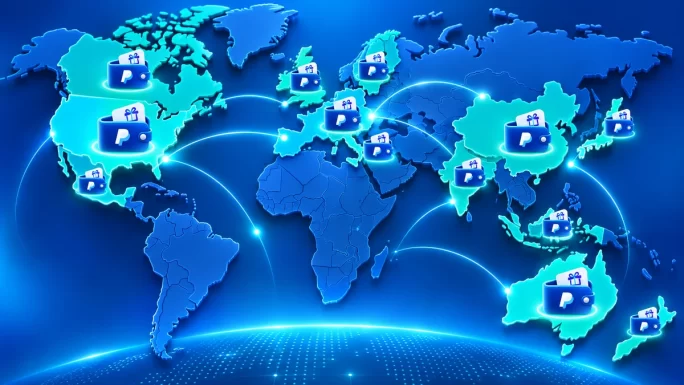
For many shoppers, PayPal is also the main reason to choose one shop over another. It is familiar, it keeps card numbers private, and it works the same way whether you buy a 10 EUR top-up or a larger present.
Why Many Shops Refuse PayPal for Gift Cards
If you have tried to buy a gift card with PayPal before, you may have noticed that many shops do not allow it. There is a simple reason: risk.
- Instant value: a gift card code is as good as cash the moment it is delivered.
- Chargebacks: if a stolen PayPal account is used, the real owner can dispute the payment later.
- No physical goods: there is no parcel to stop or return once the code is used.
For these reasons, offering PayPal for gift cards requires solid fraud checks on the seller’s side. TopGift runs those checks in the background, which is why PayPal can stay available for most customers. In rare cases, an order may be reviewed before delivery, as we explain below.
This is also why you sometimes see PayPal only for certain products or countries in other shops. Each seller decides how much risk it can handle, and many simply switch PayPal off for digital codes.
Buy Gift Cards With PayPal on TopGift Step by Step
Buying with PayPal takes only a couple of minutes. Here is the full process:
Pay with PayPal on TopGift
Before you confirm, double-check the region of the card. A code for the wrong country is the most common reason a gift card does not work, and it has nothing to do with the payment method.
It also helps to be logged in to your TopGift account before you pay. That way, the order and the code are saved in your account history, and you can find them again later without searching through emails.
After payment, your code appears in your TopGift account. As a result, you can redeem it straight away or save it for later.
Paying With PayPal on Your Phone
Most gift card purchases happen on a phone, and PayPal works well there too. When you choose PayPal at checkout, your phone may open the PayPal app or a secure PayPal page in the browser.
- Stay logged in: if you use the PayPal app, the login is often just a fingerprint or face scan.
- Allow the window: some browsers block the PayPal pop-up, so allow it if nothing happens.
- Return to the shop: after confirming, wait until you are sent back to TopGift before closing the page.
Once the order is complete, the code is saved in your TopGift account. Therefore, you can open it later on any device, even if you paid on your phone.
Balance, Bank or Card Inside PayPal
When you pay with PayPal, the money can come from different sources inside your PayPal account. You choose the source in the PayPal window before confirming:
- PayPal balance: money already in your account, for example from friends or sales.
- Linked bank account: PayPal takes the payment directly from your bank.
- Linked debit or credit card: PayPal charges the card, but the shop never sees its number.
Paying from your balance is often the smoothest option, because nothing needs to be approved by your bank. On the other hand, a linked card can be handy if your balance is empty. In every case, TopGift only sees a PayPal payment, not your bank details.
If you receive money through PayPal regularly, for example from online sales or friends paying you back, spending that balance on gift cards is a neat way to use it without moving it to your bank first.
If your bank tends to block online shopping abroad, PayPal can also help. The bank sees a payment to PayPal, not to a foreign gift card shop, which often avoids unexpected declines.
Currency Conversion and Hidden Costs
Currency is where PayPal payments can quietly become more expensive. If the order currency differs from the currency of your PayPal balance or card, PayPal converts it using its own exchange rate.
That rate usually includes a margin. Therefore, a 50 EUR card paid from a USD balance can cost noticeably more than the plain exchange rate would suggest.
The difference may look small on one order, but it adds up if you buy gift cards often. For regular buyers, keeping a balance in the currency you usually shop in is the simplest way to save.
How to keep costs downPay in the same currency as your PayPal balance when possible. If you pay with a linked card, PayPal may let you choose whether PayPal or your card issuer converts the currency, so compare both before confirming.
Also, remember that the gift card region and the payment currency are two different things. The card must match the account where you redeem it, while the payment currency only affects what you pay.
Which Gift Cards People Buy With PayPal Most
PayPal works for most of the catalogue, but a few categories are especially popular:
- Gaming cards: Steam, PlayStation, Xbox, Nintendo and Roblox.
- Streaming and apps: Netflix, Apple and Google Play.
- Shopping: Amazon, Zalando and other retail cards.
- In-game currencies: TikTok Coins, Riot Points and more.
Gamers in particular like PayPal, because many game stores and consoles do not accept it directly. So, buying a Steam or PlayStation card with PayPal is a simple workaround. For example, our Steam gift card guide explains how to add those funds to your wallet.
Subscriptions are another common use. Instead of linking PayPal to a streaming or app store account, some people prefer to buy a prepaid card with PayPal and keep their PayPal account separate from the service.
38 regions
PlayStation Gift Card
PSN wallet funds for PlayStation Store purchases. Pay with PayPal and get the code in minutes.
Buy PlayStation Gift CardYou can browse everything in our digital gift cards, gaming cards, payment cards and crypto gift cards catalogues.
Buy Gift Cards With PayPal for Someone Else
PayPal is a popular way to buy a present, because you can pay for a gift card without sharing card details and send the code straight to a friend.
- Check the region: the card must match the country of the recipient’s account, not yours.
- Pick the right value: think about what they want to buy, from a game to a few months of a subscription.
- Send it privately: forward the code in a personal message, not in a public chat.
For example, if you live in Germany and your cousin plays on a US PlayStation account, you pay in euros with PayPal but buy a US card. In other words, the payment currency and the card region are completely separate decisions.
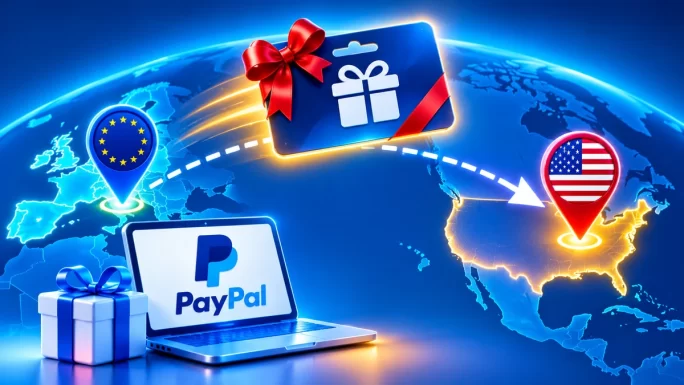
Because the code arrives within minutes, this also works as a last-minute gift for birthdays and holidays.
PayPal Gift Card vs Paying With PayPal
These two are easy to confuse. Paying with PayPal means using your PayPal account to buy a gift card. A PayPal gift card, by contrast, is a prepaid code that adds money to a PayPal balance.
Paying with PayPal vs PayPal gift card
| Feature | Paying with PayPal | PayPal gift card |
|---|---|---|
| What it is | A payment method | A prepaid top-up code |
| Needs a PayPal account | Yes | Yes, to redeem |
| Needs a bank card | Not if you have a balance | No |
| Good for | Buying any gift card | Filling a PayPal balance |
In other words, one is a way to pay, and the other is a way to top up. Our PayPal gift card guide covers the second option in detail, and the article on topping up PayPal without a card shows other ways to add funds.
Some shoppers even combine both. They buy a PayPal gift card with another method, redeem it, and then use the new PayPal balance to pay for other gift cards or online purchases.
5 regions
PayPal Gift Card
Prepaid codes that add money to your PayPal balance, no bank card needed.
Buy PayPal Balance CodeWhy a PayPal Order Can Be Held
Most PayPal orders go through instantly. Occasionally, though, an order is held for a short review before the code is delivered. Here are the usual reasons:
- Name mismatch: the name on your PayPal account differs from the name on your TopGift account.
- New accounts: a brand-new PayPal or TopGift account with a large first order.
- Unusual pattern: several high-value orders in a short time.
- Payment review: PayPal itself sometimes reviews a payment before releasing it.
In these cases, we may ask for a quick check. Our article on account verification explains what that involves and what we will never ask for. Most reviews are resolved quickly once the details match.
To avoid holds altogether, use a PayPal account that has been active for a while and keep your billing details consistent. These small things make automated checks far less likely to flag an order.
Larger Orders and Limits
PayPal works for small and larger purchases alike. However, larger orders are more likely to be checked, both by PayPal and by TopGift.
For example, a first order of several hundred euros from a new account is more likely to be reviewed than a regular 20 EUR top-up. This is normal and protects both you and the shop from fraud.
- Use your regular account: an established PayPal account with a payment history is reviewed less often.
- Keep names consistent: use the same name on PayPal and TopGift.
- Split very large orders: if you buy for a team or family, several moderate orders can be smoother.
If you regularly buy larger amounts, completing verification once can make future orders faster.
Refunds, Disputes and Digital Codes
Digital codes work differently from physical products. Once a code has been delivered and revealed, it can be redeemed by anyone who sees it, so it cannot simply be returned like a parcel.
That is why it matters to check the region and value before you pay. If a code is faulty or not delivered, contact TopGift support first with your order number, and the case is handled according to our Refund Policy.
Before opening a PayPal disputeTalk to support first. Most problems, such as a wrong region or a delayed code, are solved quickly. A dispute for a code that was already redeemed can lead to account restrictions.
In short, PayPal makes the payment simple, but the usual rules for digital goods still apply. A quick check before checkout saves everyone time.
Common PayPal Checkout Errors
Most checkout problems with PayPal are easy to fix. Here are the most common ones:
- Nothing happens after clicking PayPal: allow pop-ups or try another browser.
- Payment declined: PayPal may need you to add or confirm a funding source.
- Session expired: the PayPal window was open too long, so start the checkout again.
- Currency not supported: try paying from a different balance or card.
- Order stays pending: PayPal is still processing the payment, so wait a few minutes before trying again.
If you see a payment in PayPal but no order in your TopGift account, do not pay twice. Instead, contact support with the PayPal transaction ID, and we will match the payment to your order.
Tips to Buy Gift Cards With PayPal Safely
PayPal is a safe way to pay, but gift cards are also a favorite tool of scammers. A few rules keep you protected:
- Never buy gift cards to pay a stranger: real companies, tax offices and banks never ask for payment in gift card codes.
- Beware of “PayPal support” calls: PayPal does not ask you to buy gift cards to fix your account.
- Use your own account: paying with someone else’s PayPal can lead to disputes and blocked orders.
- Keep codes private: anyone who sees an unused code can redeem it.
- Buy from trusted shops: choose a seller that delivers real codes and offers support.
If someone pressures you to buy gift cards urgently, stop and talk to someone you trust. For more warning signs, see our guide to gift card scams in 2026.
When PayPal Is Not an Option
If PayPal is not available in your country or does not appear at checkout, there are several other ways to pay on TopGift:
- Skrill and Neteller: e-wallets that also work without sharing card details. See how to buy gift cards with Skrill.
- Apple Pay and Google Pay: quick payments from your phone.
- Crypto: pay with Bitcoin and other coins. Read the best gift cards to buy with crypto.
- Local methods: options such as BLIK and bank payments in selected countries.
In short, PayPal is one of many options. Pick the one that is easiest for you, and the code arrives the same way.
Whichever method you choose, the rest of the process stays the same: pick the card, check the region, pay and copy the code from your order page. So, if PayPal ever is unavailable, switching to another method takes only a moment.
Frequently Asked Questions
Yes. TopGift accepts PayPal at checkout for gift cards, gaming cards and other digital codes, depending on your country.
Gift cards are high-risk for fraud and chargebacks, so many shops remove PayPal. TopGift runs fraud checks so PayPal can stay available.
No. TopGift only sees a PayPal payment. Your card or bank details stay with PayPal.
Usually because of a name mismatch, a new account or an unusual order. A quick check normally resolves it.
No. Paying with PayPal is a way to buy, while a PayPal gift card is a code that tops up a PayPal balance.
Pay in the same currency as your PayPal balance when possible, or compare PayPal and card issuer conversion before confirming.
Key Takeaways