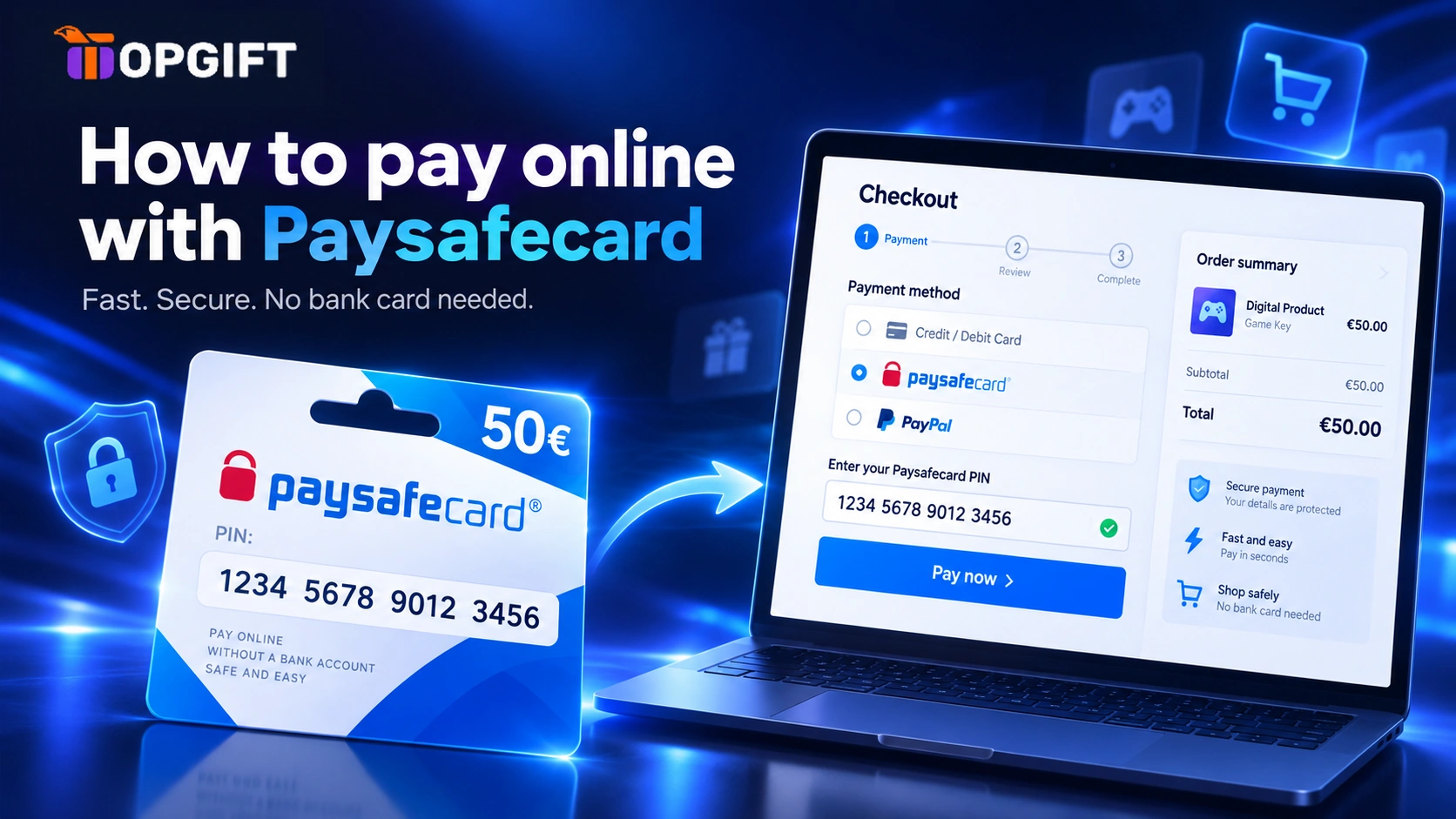
Paysafecard is one of the simplest ways to pay online without a bank card. You buy a voucher, get a 16-digit PIN and use it at checkout like cash. No card details, no bank account and no personal banking data ever reach the shop.
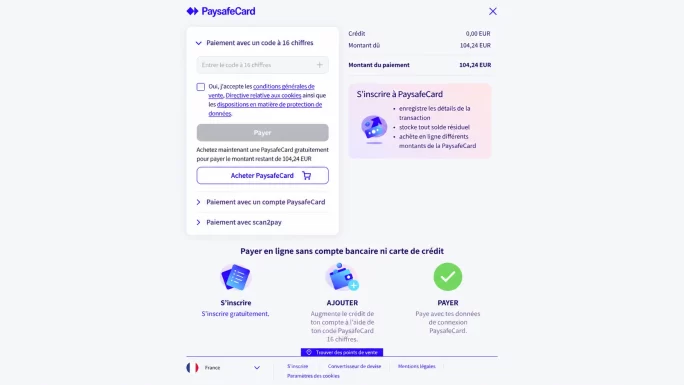
Choose Paysafecard as the payment method at checkout and enter your 16-digit PIN. The amount comes straight off the voucher. If one PIN doesn’t cover the total, you can add more. Just make sure your IP location matches the country of the code.
This guide explains how Paysafecard works, where you can use it and how to pay step by step. It also covers the one mistake that can get a code blocked, so read that part before your first payment.
What Paysafecard Is
Paysafecard is a prepaid payment voucher. Each voucher has a fixed value and a 16-digit PIN. That PIN is all you need to pay, so you never share a card number or bank login with the shop.
Vouchers are issued per country and currency. A French code is in euros and belongs to France, while a UK code is in pounds and belongs to the UK. This detail matters more than most people expect, and we’ll come back to it below.
Where You Can Pay With Paysafecard
Thousands of online shops accept Paysafecard. It is especially common in gaming and entertainment. For example, many people use it for Steam, PlayStation, Xbox, Nintendo, Roblox and various streaming services.
The easiest way to check is the checkout page itself. If a shop accepts Paysafecard, you’ll see the Paysafecard logo among the payment options. TopGift accepts it too, which we cover at the end of this guide.
How to Pay With Paysafecard at Checkout
Paying takes less than a minute. The flow is almost identical on every site.
After that, the shop receives the payment and your order goes through. Any value left on the PIN stays there for your next purchase.
Combining Several PINs
Sometimes one voucher isn’t enough. In that case, you don’t need to buy a bigger one. Instead, you can enter several PINs on the payment page, and Paysafecard combines their balances to cover the total.
This also helps you use up small leftovers. For instance, if a PIN has a few euros left, you can pair it with a new voucher on your next order.
Checking Your PIN Balance
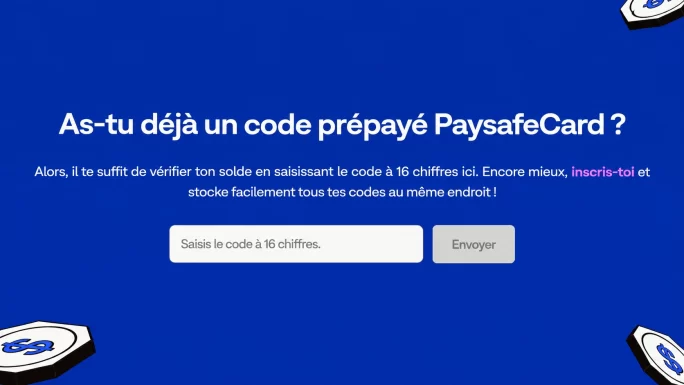
Every Paysafecard PIN has its own balance, and you can check it for free on the official paysafecard.com website. Simply open the balance check, enter the 16-digit PIN and confirm.
It’s a good habit before a purchase. You’ll see exactly how much is left, so you know whether you need a second PIN. However, there is one important rule to follow when you do it.
Match Your IP to the Code Country
Paysafecard ties every code to the country it was issued for. When you check a balance or pay, it also looks at where you are connecting from. If the two don’t match, the system can treat it as suspicious.
ImportantIf you check or use a French code while your IP shows Germany, for example, Paysafecard may block the code. You would then have to contact Paysafecard support to unblock it. To avoid this, always check and pay from the same country as the code.
The payment page helps here. At the bottom of the Paysafecard checkout, it always shows your region. Before you confirm, make sure that region matches the country of your code. In short, buy the code for the country you are actually in, and keep your connection there too.
Fees to Keep in Mind
Paying with Paysafecard itself is simple, but leftover balances shouldn’t sit forever. If a PIN stays unused for a long time, a monthly maintenance fee can start coming off the remaining value. The exact terms depend on your country.
So the best approach is to buy a voucher close to the amount you plan to spend. Then use any leftover on your next purchase rather than leaving it for months.
Buy and Use Paysafecard on TopGift
TopGift is an official Paysafecard partner. That means you can buy Paysafecard vouchers on TopGift with instant delivery, and you can also pay for your TopGift orders with Paysafecard.
When you buy a voucher, pick the country that matches where you live and shop. Your PIN appears in your account dashboard and on the order confirmation page right after payment.
Paying with Paysafecard on TopGift works exactly like the steps above. Choose it at checkout, enter your PIN and confirm.
Frequently Asked Questions
How do I pay online with Paysafecard?
Choose Paysafecard at checkout, enter your 16-digit PIN on the payment page and confirm. The amount comes straight off your voucher.
Can I combine several Paysafecard PINs?
Yes. If one PIN doesn’t cover the total, you can enter several PINs on the payment page, and their balances are combined.
How do I check my Paysafecard balance?
Open the balance check on paysafecard.com, enter your 16-digit PIN and confirm. It’s free, but do it from the same country as the code.
Why was my Paysafecard code blocked?
A common reason is a country mismatch, for example using a French code with a German IP. In that case, contact Paysafecard support to unblock it.
Can I use Paysafecard on TopGift?
Yes. TopGift is an official Paysafecard partner. You can buy Paysafecard vouchers on TopGift and also pay for your orders with Paysafecard.