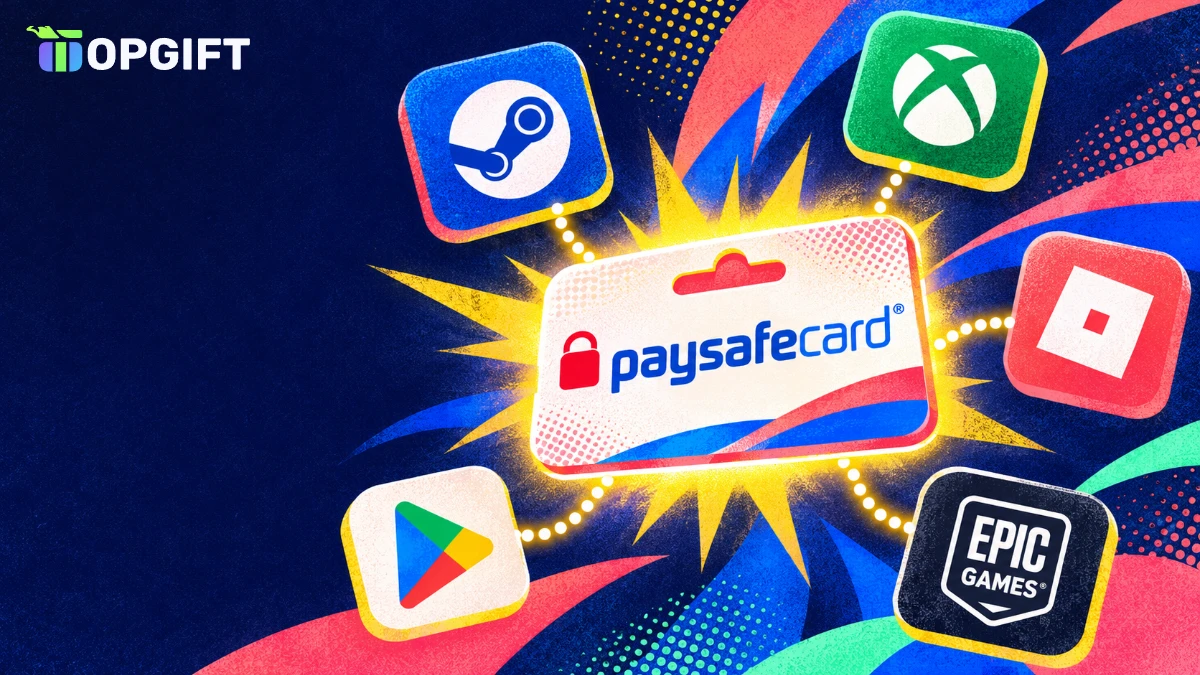
Wondering where to use Paysafecard? You can pay with a 16-digit PIN on thousands of websites, mainly in gaming, streaming, apps and digital services. For example, the best-known places include Steam, Epic Games, Xbox, PlayStation, Roblox, Minecraft, League of Legends and Google Play. However, acceptance differs by country, so the same shop may show Paysafecard in Germany but not in another market.
This guide groups the most popular places by category, explains how to check whether a site accepts it, and shows what to do when your favourite store does not. Since TopGift now sells Paysafecard for 12 European countries, we also explain how to pick the right one.
Where to Use Paysafecard at a Glance
To begin with, here is a quick overview of the main categories where people use Paysafecard. However, keep in mind that each merchant decides for itself in which countries it offers the payment method.
Popular places to pay with Paysafecard
| Category | Examples | What you buy |
|---|---|---|
| PC gaming★ Most popular | Steam, Epic Games, GOG | Games, DLC, wallet credit |
| Consoles | PlayStation, Xbox, Microsoft | Games, add-ons, subscriptions |
| Online games | Roblox, Minecraft, League of Legends | Robux, coins, Riot Points |
| Apps | Google Play | Apps, games, in-app items |
| Streaming and music | Selected video and music services | Subscriptions and rentals |
| Communities | Chat, VoIP and social platforms | Credits and memberships |
In short, Paysafecard is strongest in gaming. That makes sense, because many gamers are young or simply prefer not to save a bank card on a gaming account.
Gaming Platforms That Take Paysafecard
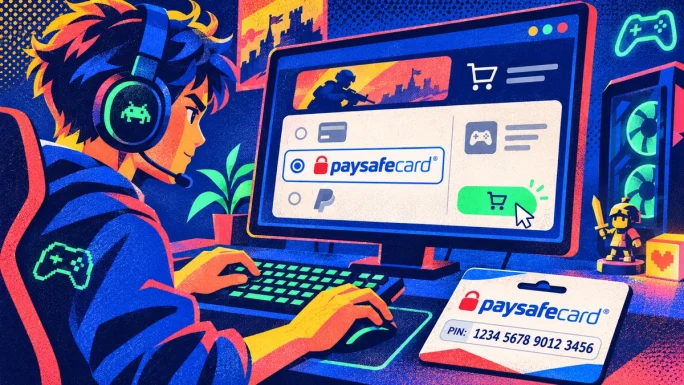
Clearly, gaming is by far the biggest category. The voucher brand has partnered with many of the largest platforms for years, so in most European countries you will find it at checkout on the stores you already use.
- Steam, for games, DLC and Steam Wallet credit
- Epic Games Store, for games and Fortnite V-Bucks
- Xbox and the Microsoft Store, for games and Game Pass
- PlayStation Store, in selected countries
- GOG, for DRM-free PC games
- Wargaming titles, such as World of Tanks
Moreover, because the PIN keeps its remaining balance, you can spend part of it on one platform and the rest on another, as long as both accept Paysafecard in your country.
Use Paysafecard on Steam and Epic Games
In fact, Steam is the most common place to use Paysafecard. You simply choose it when adding funds or at checkout, enter your 16-digit PIN, and the amount is deducted from the voucher.
Pay on Steam with Paysafecard
Similarly, the Epic Games Store accepts these vouchers for games and V-Bucks in many countries. If the amount on one PIN is not enough, you can usually combine several PINs in the same payment. For more ways to pay for games, also see our guide on paying for games without a credit card.
Consoles and Official Game Stores
On consoles, however, the picture is more mixed. The Microsoft Store and Xbox support it in several European countries, so you can buy games, add-ons or Game Pass with it. PlayStation also offers it in selected markets.
However, console stores change their payment options from time to time. So if the option does not appear, the simplest alternative is to use a PlayStation or Xbox gift card for your account country. In addition, our guides on PSN gift card regions and redeeming an Xbox gift card explain how.
In-Game Currency and Online Games
Similarly, many free-to-play games let you buy their currency directly with a prepaid PIN on their official websites. As a result, you do not need to link a bank card to a child’s gaming account.
- Roblox, for Robux and Roblox Premium in many countries
- Minecraft, for Minecoins and Realms
- League of Legends and other Riot games, for Riot Points
- Other online games through their official web shops
For Roblox, it often helps to buy on the website rather than in the app, since web purchases also get more Robux for the money. Also, our guide to Robux prices explains the difference.
Apps, Music and Subscriptions
Besides games, the PIN works for many apps and digital services. In particular, Google Play accepts it in several countries, so you can pay for apps, games and in-app purchases on Android without a bank card.
In addition, some music and video streaming services, chat apps, VoIP services and online communities accept it for subscriptions and credits. Since the list changes often, it is worth checking at checkout before you subscribe. For Netflix in particular, see our guide on paying for Netflix without a local card.
How to Check if a Site Accepts It
Paysafecard does not publish one fixed list of shops, because its partner network changes all the time. Instead, the official advice is simple: start a payment on the website and see whether Paysafecard appears as an option.
Check if a site accepts Paysafecard
Also, look for its logo in the footer of the website, where many shops list their payment partners. If you have a myPaysafe account, the dashboard also shows popular partner websites.
Where You Cannot Use Paysafecard
It is an online payment method, so it has a few clear limits. So knowing them saves you a wasted trip to checkout.
What Paysafecard can and cannot do
- Pays online at partner websites
- Can be split across several purchases
- Works without a bank account
- Several PINs can be combined
- No cash withdrawals
- Not accepted in most physical shops
- Not accepted by every online store
- Usually tied to the country of purchase
That said, a myPaysafe account can unlock extra options in some countries, such as a prepaid Mastercard for wider acceptance. Still, for most people, the simple 16-digit PIN is all they need.
Use Paysafecard in the Right Country
In practice, this is where many users run into trouble. Each PIN is issued for a specific country and currency, and some merchants block payments when your location does not match the PIN. Therefore, always buy the PIN for the country you live in and pay from.
Paysafecard countries on TopGift
| Country | Currency |
|---|---|
| Austria | EUR |
| Belgium | EUR |
| Cyprus | EUR |
| Finland | EUR |
| France | EUR |
| Germany★ Most popular | EUR |
| Ireland | EUR |
| Luxembourg | EUR |
| Netherlands | EUR |
| Portugal | EUR |
| Slovakia | EUR |
| Spain | EUR |
12 regions
Paysafecard
Prepaid 16-digit PINs for 12 euro countries. Pick the PIN for the country you live in and pay online without a bank card.
Buy PaysafecardIf your PIN gets blocked after a country mismatch, our guide on Paysafecard not working explains what to do. You can also browse all prepaid options in our payment cards section.
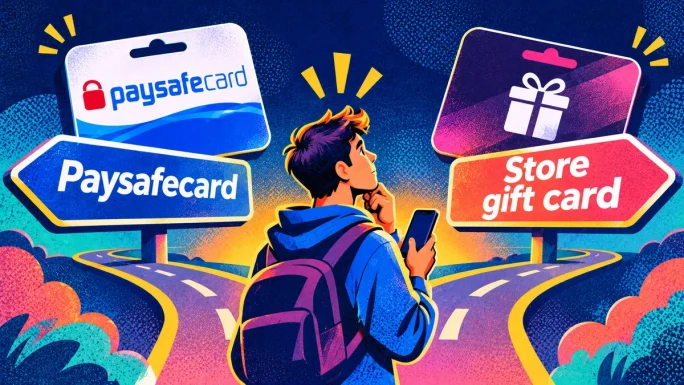
Paysafecard or a Store Gift Card
Often, you can choose between paying with a PIN and buying a gift card for the store itself. Both avoid a bank card, although they suit different needs.
Paysafecard or store gift card
Verdict: Paysafecard is best when you shop on several sites, while a store gift card is the safer choice for one specific platform, especially if it does not accept Paysafecard.
For example, if you mainly play on Steam, a Steam gift card for your account region does the same job and works even where Paysafecard is not offered.
When a Store Does Not Accept Paysafecard
If your store does not offer Paysafecard, you still have a way around it. Instead of paying the store directly, buy a gift card for that store on TopGift and pay for it with your PIN.
Use Paysafecard where it is not accepted
Germany, EUR
Paysafecard Germany
A prepaid PIN for German shops and accounts. Use it online or to buy gift cards for stores that do not take Paysafecard.
Buy Paysafecard GermanyTopGift tip
Need more than one PIN for a bigger purchase? Many merchants let you combine several Paysafecard PINs in a single payment, so you can use up small leftover balances too.
Finally, read our full guide on how to pay with Paysafecard for checkout tips, and see our payment options for every method TopGift accepts.
Stay Safe on New Sites
Because a prepaid PIN works like cash, scammers love it. Unfortunately, once someone else uses your PIN, the money is usually gone for good. Fortunately, a few simple habits keep you safe.
Paysafecard mistakes to avoid
Giving your PIN to someone by phone or chatFix: instead, only enter it on the checkout page of the shop you are buying from.
Paying fake fines, prizes or support feesFix: no real company or authority asks to be paid with Paysafecard codes.
Typing the PIN on a copycat websiteFix: check the address bar and only pay on sites you trust.
In addition, keep the receipt or order email until the PIN is fully used, since you may need it if something goes wrong. Also, our guide to gift card scams lists more warning signs.
Where to Use Paysafecard FAQ
On thousands of websites, mainly in gaming, apps and streaming, including Steam, Epic Games, Xbox, Roblox, Minecraft, League of Legends and Google Play, depending on your country.
Usually not. Paysafecard is made for online payments, and you cannot withdraw cash with it.
Start a payment and check whether it appears among the payment methods.
Use the PIN for the country you live in. Some merchants block payments when your location does not match the PIN country.
Buy a gift card for that store on TopGift and pay for it with your PIN.
Key Takeaways