OnlyFans is free to join, yet almost everything on it costs money. To pay for OnlyFans, you need a card that passes its checks, and that is exactly where many fans get stuck. This guide covers what subscriptions, tips and messages cost, which payment methods work and why cards get declined. It also explains how to use a prepaid gift card instead of your own bank card. The content is intended for adults aged 18 and over.
How OnlyFans Pricing Works
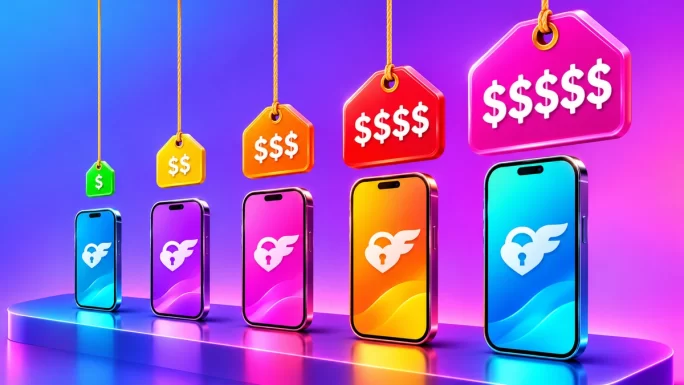
OnlyFans does not set one price for everyone. Instead, each creator chooses their own subscription price, and many also sell extra content on top of it. As a result, two accounts can cost very different amounts even if you follow them both for the same month.
OnlyFans costs at a glance
Because prices are in US dollars, fans elsewhere pay a conversion margin every time their card is charged. In addition, local taxes such as VAT may be added at checkout, depending on your country. So the price on a profile is not always the exact amount that leaves your account.
The platform keeps around 20% of each payment, while the creator receives the rest. That split is one reason creators push extra paid content, since subscriptions alone rarely cover their work.
What You Can Pay For on OnlyFans
A subscription is only the entry ticket. Once you follow someone, there are several more ways to spend:
- Subscriptions: a monthly fee for access to a creator’s feed. Bundles for three, six or twelve months are often discounted.
- Tips: one-off payments on posts, in messages or during live streams.
- Pay-per-view messages: locked content sent by direct message, which you unlock for a set price.
- Paid posts: individual locked posts on a feed, priced separately from the subscription.
- Live streams: some streams are free for subscribers, while others ask for tips or a fee.
Pay-per-view messages are where costs tend to climb. A free or cheap subscription often leads to frequent paid messages, so the monthly total can be several times the subscription price.
Therefore, look beyond the subscription fee when you judge what an account will really cost. A quick scroll through the feed usually shows how much is locked behind extra payments.
Ways to Pay for OnlyFans in 2026
OnlyFans is stricter about payments than most sites. It accepts cards only, and those cards must meet a few technical conditions.
Payment methods on OnlyFans
| Method | Works? | Notes |
|---|---|---|
| Visa and Mastercard | Yes | Must allow online and international payments |
| Maestro and Discover | Yes | Same conditions as above |
| Virtual and prepaid cards | Often | Need 3D Secure support and enough balance |
| PayPal, Apple Pay, Google Pay | No | Not offered at checkout |
| Bank transfer and crypto | No | Not accepted directly |
| Prepaid voucher via RewarbleNo bank card | Yes | Becomes a virtual card you pay with |
The key detail is 3D Secure, the extra confirmation step many banks use for online payments. Cards without it are usually declined. Likewise, cards that only work in their home country often fail, because the platform processes payments internationally.
Simply put, a regular debit or credit card from a mainstream bank is the default route, and a prepaid virtual card is the main alternative.
Keep in mind that a card can work one month and fail the next. Banks update their risk rules quietly, so a decline on a renewal does not always mean you did something wrong. In that case, a backup payment method saves you from losing access mid-month.
Why Cards Fail When You Pay for OnlyFans
Declined payments are the most common complaint from fans. The reason is rarely mysterious, though, and most fall into a handful of groups.
- No 3D Secure: the card cannot complete the extra confirmation step.
- Bank blocks: some banks refuse adult-content merchants by default.
- Low balance: the card has just enough for the price, but not for a small verification charge on top.
- Mismatched details: the billing address, card country or your location do not line up.
- Spending caps: new accounts may face limits that grow with account age.
For example, a fan with a perfectly valid card may still be declined because the bank flags the merchant category. Calling the bank sometimes fixes this, but many people would rather not have that conversation.
Consequently, prepaid options are popular. With a prepaid card, there is no bank approval step for the merchant itself, because the money is already loaded.
TipKeep a few dollars of headroom on any prepaid card. A card loaded with the exact subscription price can fail on the verification charge alone.
If a decline keeps happening, try once more from a stable home connection rather than mobile data or a public network.
How the OnlyFans Gift Card Works
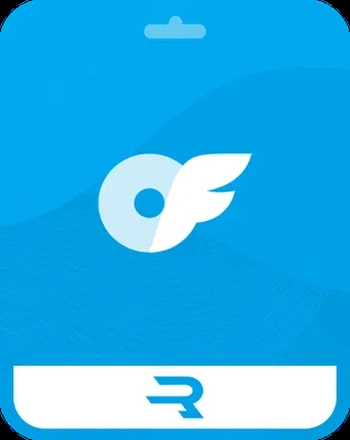
OnlyFans does not issue its own gift cards. Instead, the OnlyFans gift card on TopGift is a prepaid voucher redeemed through Rewarble, a European redemption platform. You buy the code from us, redeem it on Rewarble and receive a virtual prepaid card with the voucher value. Then you use that card to pay on OnlyFans.
In practice, this means your own bank card never reaches the platform. The platform only sees the virtual card, while your bank only sees a purchase from TopGift.
There are two versions. The US card comes in 30, 50, 60, 100 or 150 USD, or a custom amount. The European card is in euros with a custom amount, so you can load exactly what you plan to spend. For background on how this kind of voucher works, see our guide to what Rewarble is.
2 regions
OnlyFans Gift Card
Prepaid Rewarble voucher in USD or EUR that becomes a virtual card for subscriptions, tips and messages.
Buy OnlyFans Gift CardThe code arrives digitally, usually within minutes, and stays saved in your TopGift account under your orders.
This route suits several kinds of fans. It helps people whose bank blocks the platform, people without a card that supports 3D Secure, and anyone who simply prefers not to link a personal card to a subscription site. It is also a simple way to give yourself a fixed monthly budget.
How to Pay for OnlyFans With a Gift Card
From purchase to your first subscription, the process takes only a few minutes:
Gift card to OnlyFans
Use the same name and address on OnlyFans that you entered on Rewarble. Mismatched details are one of the main reasons a prepaid card is refused.
Also remember that Rewarble charges a redemption fee, which depends on the reward. So check the final card balance first, and then plan your subscriptions within it.
Using the OnlyFans Wallet to Pay
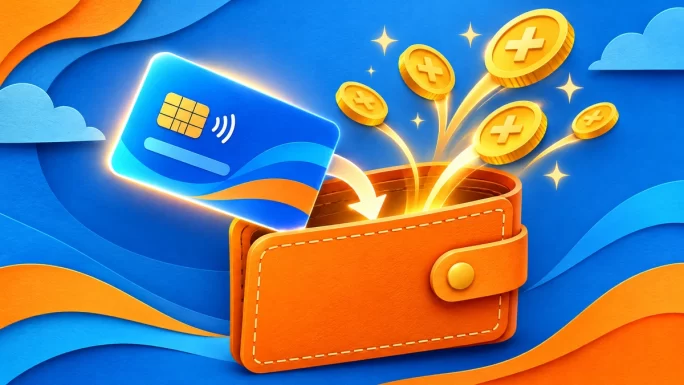
OnlyFans also has a wallet, which is a prepaid balance inside your account. You add funds to it with an accepted card, and then you spend from the balance instead of charging the card every time.
This works well with a virtual card from a voucher. Rather than leaving the card attached for months, you can move most of its value into the wallet in one step. After that, tips and paid messages come out of the wallet balance.
However, wallet credit is generally treated as non-refundable once added. In other words, only top up what you are sure you will spend on the platform. Wallet funds also stay on OnlyFans and cannot be moved to another site.
Still, the wallet is a handy way to keep payments tidy. One top-up per month gives you a single, clear figure to track.
Subscriptions and Auto-Renewal
Subscriptions renew automatically by default. On the renewal date, the platform tries to charge the same payment method again.
With a prepaid card, this has a useful side effect. If the balance is gone, the renewal simply fails and the subscription ends, so nothing is charged beyond what you loaded. On the other hand, if you want to keep following a creator, make sure the card or wallet holds enough before the renewal date.
You can also switch off auto-renewal on each creator’s page. Your access then runs until the end of the period you already paid for. Many fans do this right after subscribing, and then decide month by month.
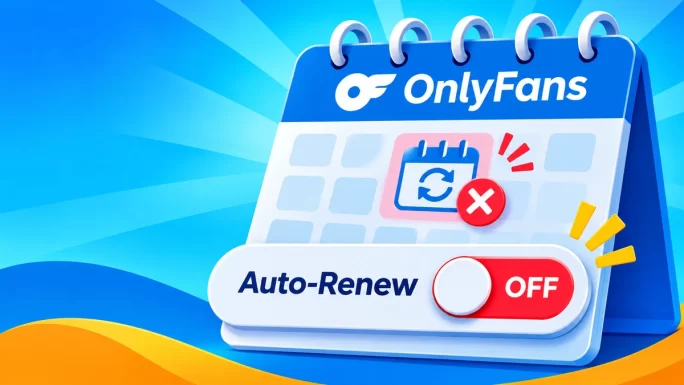
Meanwhile, multi-month bundles can save money if you already know you will stay. They are paid upfront, though, so they suit a larger voucher better than a small one.
USD or EUR Card
Since prices on the platform are in US dollars, the USD card is the natural match. There is no conversion between the voucher and the charge, so the amount you buy is the amount you can spend.
The EUR card, by contrast, suits fans in Europe who think and budget in euros. You choose a custom euro amount, and the conversion to dollars happens when you pay. As a result, the dollar value you end up with can move slightly with the exchange rate.
- Choose USD if you want the simplest maths and fixed dollar amounts.
- Choose EUR if you live in Europe and prefer to pay in your home currency.
Either way, leave a small buffer above the subscription price for fees and the verification charge.
If you follow creators on more than one platform, the USD card has another advantage. Most creator sites price in dollars, so you can compare costs across them without converting anything in your head.
What Appears on Your Statement
When you pay directly by card, the charge normally shows the platform name or the name of its payment processor. In other words, anyone who sees your statement can tell where the money went.
With a gift card, your bank statement shows a purchase from TopGift, a digital store that sells hundreds of brands, from gaming cards to shopping vouchers. The virtual card from Rewarble is separate from your bank, so its payments never appear on your own statement.
In addition, your order email contains only a code. If you share an inbox, you can delete it after redeeming, since the code also stays in your TopGift order history. If you are new to this kind of payment, our guide to payment vouchers explains how they work.
Banking apps are worth a thought too. Many send a push notification with the merchant name for every card payment. With a voucher, the only notification you get is for the TopGift purchase, and nothing follows when you later subscribe or tip.
Refunds and Chargebacks
Payments on the platform are generally final. Subscriptions, tips and unlocked messages count as delivered digital content, so refunds are rare and handled case by case.
There are exceptions. For instance, if someone used your card without permission, contact both your bank and the platform support straight away. Similarly, a clear technical error may be reviewed. Otherwise, it is best to assume that a payment cannot be reversed.
ImportantDo not file a chargeback just because you changed your mind. Unjustified chargebacks break the platform terms and can get your account banned.
The same applies to vouchers. Once a code is redeemed, its value has been delivered and it cannot be returned. Therefore, buy the amount you actually plan to use.
Before you subscribe, it also helps to read a creator’s pinned post or bio. Many explain what the subscription includes and how often they post, which avoids paying for something you did not expect.
Budgeting When You Pay for OnlyFans
Spending creeps up quietly here. A five-dollar subscription feels small, yet a few paid messages and tips can turn it into fifty dollars by the end of the month.
A fixed monthly voucher is the simplest control. You decide the amount first, load it once and spend within it. When the balance runs out, renewals stop and paid messages stay locked until you choose to top up again.
- Set one monthly figure and buy a single voucher for it.
- Turn off auto-renewal on accounts you are only trying out.
- Check the feed first to see how much content sits behind extra payments.
- Remove saved bank cards so every top-up becomes a deliberate choice.
Furthermore, tracking your total per month rather than per payment gives you a much clearer picture of the real cost.
Avoiding OnlyFans Scams
Popular platforms attract scams, and this one is no exception. Most tricks target either your login or your money.
- Fake free access: sites promising free subscriptions or leaked content mainly collect logins and card details.
- Impersonators: accounts on other apps that pretend to be a creator and ask for payment outside the platform.
- Gift card requests: nobody legitimate asks you to send a gift card code as payment.
- Phishing links: log in only on the official domain, never through a link in a message.
Gift card codes deserve extra care, since anyone holding a code can redeem it. Our overview of common gift card scams shows what to watch for. In addition, some countries now ask fans to verify their age; if you are asked, do it only inside the official site. Our guide to account verification explains why platforms request ID.
OnlyFans Compared With Other Creator Platforms
OnlyFans is the best-known subscription platform, but it is not the only one. Fansly works in a similar way, while cam sites such as Stripchat and Chaturbate are built around tokens and live shows.
Creator platforms side by side
| Platform | Model | You pay with | Gift card on TopGift |
|---|---|---|---|
| OnlyFans | Subscriptions and paid messages | Cards and wallet | USD and EUR vouchers |
| Fansly | Subscriptions and tiers | Cards and wallet | 5 currencies |
| Stripchat | Live shows and tips | Tokens | Token packs |
| Chaturbate | Live shows and tips | Tokens | USD voucher |
Each platform needs its own payment, because balances never move between sites. Our guides to the Fansly gift card, Stripchat tokens and Chaturbate tokens cover each one in detail.
5 currencies
Fansly Gift Card
Prepaid Fansly balance in USD, EUR, GBP, CAD or AUD for subscriptions, tiers and tips.
Buy Fansly Gift CardThe same prepaid idea works far beyond creator sites. You can browse our gift cards, prepaid payment cards for everyday online checkouts, gaming cards for game stores and crypto gift cards if you prefer digital assets.
Frequently Asked Questions
Yes. You can buy an OnlyFans gift card on TopGift, redeem it on Rewarble and pay with the virtual prepaid card it creates.
No. OnlyFans accepts Visa, Mastercard, Maestro and Discover cards. PayPal, Apple Pay, Google Pay and direct crypto are not offered.
The usual reasons are missing 3D Secure, a bank that blocks adult merchants, a balance that is too low, or billing details that do not match.
Not when you pay with a gift card. Your statement shows a purchase from TopGift, and the virtual card payments stay off your own bank account.
Choose USD for fixed dollar amounts that match platform prices, or EUR if you live in Europe and prefer to pay in euros.
Refunds are rare and handled case by case. Payments for subscriptions, tips and messages are generally final, and redeemed vouchers cannot be returned.
Key Takeaways