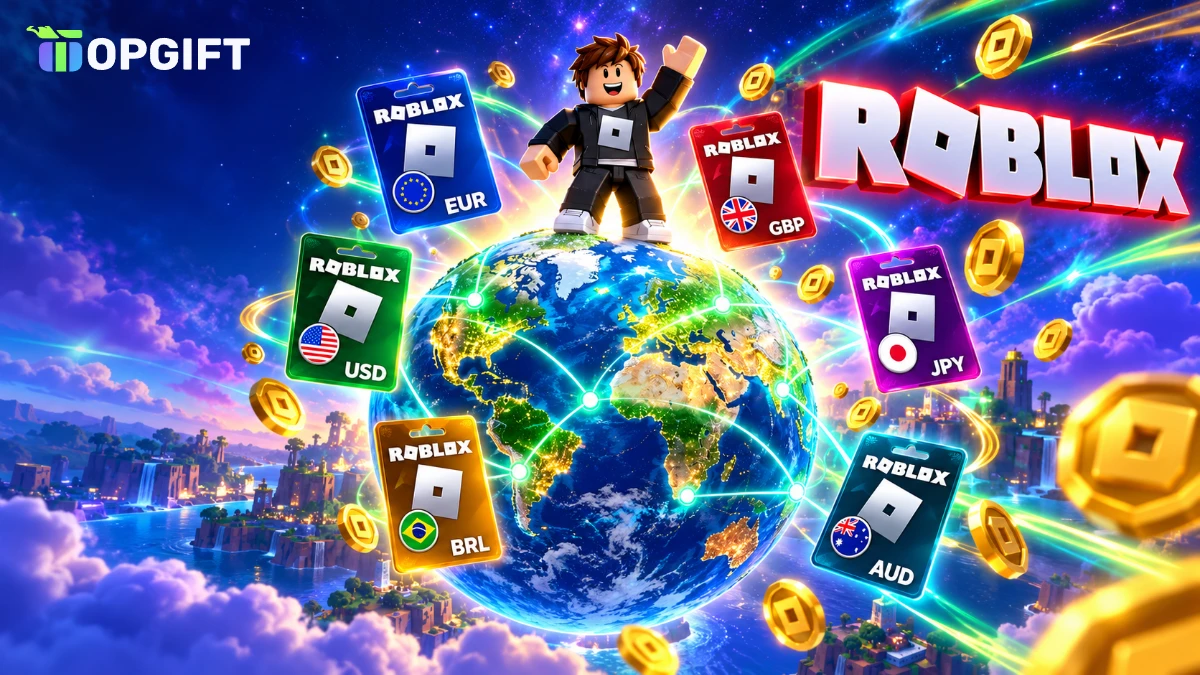
Roblox sells gift cards in more than 20 currencies, so it is natural to wonder whether the region matters. The short version: Roblox gift card regions no longer lock you out, because Roblox now accepts cards from any country and converts the value for you. Still, the region you pick affects the currency, the card values and how much Robux you end up with.
This guide answers the questions players and parents ask most often. It explains how regions work today, lists every region we sell, shows which card to buy for your account and walks you through redeeming it step by step. It also covers Roblox Plus, bonus items, parental controls, gifting and the scams to avoid.
Are Roblox Gift Card Regions Still Locked
For years, Roblox gift cards were tied to a country. A digital card had to match the currency of your account, so a UK player could not redeem a card bought in US dollars. As a result, that caused a lot of failed codes and frustrated gift-givers.
That changed in March 2024. Roblox removed the region lock, and since then its gift card terms state that cards bought in another currency can be redeemed and are converted into your account currency. Roblox does not charge a fee for this conversion.
In other words, all Roblox gift card regions now work on any account. For example, a card from Japan works in Germany, and a Brazilian card works in Canada. However, that does not mean every region gives you the same value, as you will see below.
Roblox gift card regions at a glance
How Roblox Gift Card Regions Work Today
When you redeem a card, Roblox turns its value into Roblox Credit in the currency of your account. If the card is in the same currency, the amount stays exactly the same. If it is in another currency, Roblox converts it first, using exchange rates from XE.com that it updates once a month.
After that, you can spend that Credit on Robux or other Roblox purchases. The number of Robux you get depends on Roblox’s current prices for your account currency, not on where the card came from. As a result, the region of the card only decides how much Credit lands on your account.
There is one important rule: a card must be redeemed in full. You cannot split one code between two accounts, and the Credit cannot be moved to another player later. So always redeem the card on the account that should receive it.
All Roblox Gift Card Regions We Offer
We sell Roblox gift cards for 22 regions, plus a global card in Robux. Each card also comes in fixed values, and the code arrives in your account within minutes.
Roblox gift card regions on TopGift
| Region | Currency | Card values |
|---|---|---|
| EuropeBest pick | EUR | €10 to €150 |
| United States | USD | $10 to $100 |
| United Kingdom | GBP | £10 to £150 |
| Canada | CAD | 15 to 100 CAD |
| Australia | AUD | 10 to 100 AUD |
| New Zealand | NZD | 10 to 100 NZD |
| Switzerland | CHF | 10 to 100 CHF |
| Poland | PLN | 50 to 500 PLN |
| Sweden | SEK | 100 to 1,000 SEK |
| Norway | NOK | 100 to 1,000 NOK |
| Denmark | DKK | 100 to 1,000 DKK |
| United Arab Emirates | AED | 20 to 500 AED |
| Saudi Arabia | SAR | 20 to 500 SAR |
| South Africa | ZAR | 85 to 500 ZAR |
| Brazil | BRL | 25 to 300 BRL |
| Mexico | MXN | 100 to 1,000 MXN |
| Japan | JPY | 1,000 to 10,000 JPY |
| Hong Kong | HKD | 50 to 500 HKD |
| Singapore | SGD | 30 and 75 SGD |
| Malaysia | MYR | 50 and 125 MYR |
| Thailand | THB | 300 and 750 THB |
| Indonesia | IDR | 50,000 to 500,000 IDR |
| Global (Robux) | Robux | 100 to 11,000 Robux |
Because all of these cards work worldwide, the table is less about restrictions and more about choice. You can pick the currency you know best, the value that fits your budget or the region that is in stock right now.
Which Roblox Gift Card Region to Buy
Even though every card works everywhere, the best choice is usually simple: buy a card in the same currency as your Roblox account. Your account currency normally matches the country where you created it, so a player in France uses euros and a player in Australia uses Australian dollars.
In particular, matching the currency has three clear advantages:
- No conversion. The amount on the card is exactly the amount of Credit you receive.
- No surprises. You know in advance how much Robux the card will buy at your local prices.
- Easy gifting. If you buy for someone else, a card in their currency is the safest choice.
Here is a quick guide by location. In the eurozone, choose the Europe card. In the UK, pick the United Kingdom card, and in the US or Canada choose the matching dollar card. For other countries, look for your own currency in the table above.
Not sure about your currency?Log in on roblox.com and open the Robux purchase page. The prices there are shown in your account currency, so you instantly know which card region fits.
What if your currency is not on the list? In that case, any card works, and the Credit is converted at the monthly rate. Many buyers outside the listed countries simply choose the US dollar or euro card, because they come in the widest range of values.
Roblox Gift Card Regions and Currency Conversion
Conversion only matters when the card currency differs from your account currency. Roblox handles it automatically when you redeem the code, and you see the converted Credit amount straight away.
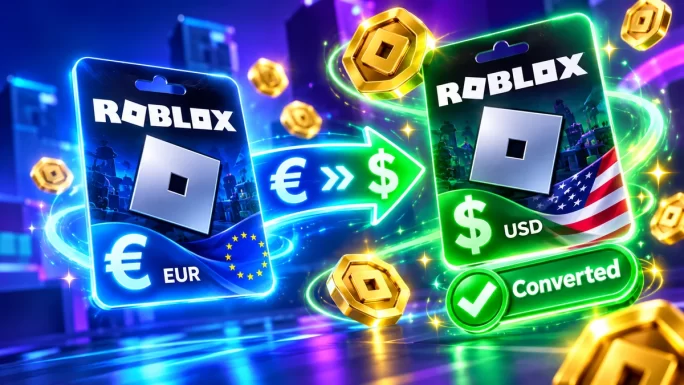
Because Roblox updates the rate monthly, the result can differ slightly from today’s market rate. Over a small amount, the difference is usually tiny. For example, if you redeem a 20 GBP card on a euro account, you receive the euro value of 20 GBP at Roblox’s rate for that month, without any fee.
Some players compare prices between regions and buy whichever card gives the most Credit for the money. That is allowed, because all regions now work on every account. However, prices change often, so check the current price of each card before you decide rather than relying on old comparisons.
Currency Cards vs Robux Cards
Not all Roblox gift cards hold money. There are two kinds, and they work a little differently.
Currency cards vs Robux cards
| Card type | What you get | Best for |
|---|---|---|
| Currency card (EUR, USD, GBP and others)Best pick | Roblox Credit in money | Flexibility, since you choose what to buy |
| Robux card (Global) | A fixed amount of Robux | Players who only want Robux |
A currency card gives you Credit first. You then decide whether to turn it into Robux or spend it on something else Roblox allows. A Robux card, by contrast, skips that step and adds a fixed number of Robux directly, from 100 to 11,000.
For most people, a currency card is the better choice because it keeps your options open. On the other hand, a Robux card is easy to understand for younger players, since they see exactly how many Robux they will get.
How to Redeem a Roblox Gift Card
Redeeming a Roblox gift card takes about a minute. You need to do it on the Roblox website, because the redeem page is not part of the mobile app. Once the Credit is on your account, you can spend it on any device.
Redeem a Roblox gift card
If you play on a phone or console, simply open the Roblox website in your phone’s browser and log in with the same account. The Credit appears on every device linked to that account.
Check the account firstMake sure you are logged in to the right account before you redeem. Credit cannot be moved to another player afterwards, so a code redeemed on the wrong account stays there.
What You Can Buy With Roblox Credit
Roblox Credit is flexible, but it is not cash. According to Roblox’s terms, you can use it for Robux and for other services that Roblox allows. In practice, players use it for:
- Robux, which then buy avatar items, game passes and in-game upgrades.
- A Roblox subscription, where Roblox lets you pay for it with Credit.
- Marketplace items, such as clothes, accessories and emotes for your avatar, paid with the Robux you buy.
However, you cannot withdraw Credit as money, and you cannot transfer it to another account. It also has no expiry date, so there is no rush to spend it right after redeeming.
If you want more ways to pay for Robux without a bank card, our guide on how to buy Robux without a card compares the main options.
How Much Robux a Gift Card Buys
This is one of the most common questions, and the honest answer is that it depends. Roblox sets Robux prices separately for each currency, and it changes them from time to time. As a result, the same card value can buy a slightly different number of Robux in different countries.
A few rules help you get the most out of a card:
- Bigger packs give more Robux per unit of money. If your card covers a larger Robux pack, it is usually better value than several small ones.
- Check the Robux page before you buy the card. Pick a card value that matches a pack price, so little Credit is left over.
- Leftover Credit is not lost. It stays on your account, and you can combine it with the next card.
For the exact numbers, open the Robux page on roblox.com while logged in. It always shows the current packs and prices for your account currency.
Physical vs Digital Roblox Gift Cards
Roblox gift cards come as physical cards from shops and as digital codes from online stores. Both work the same way: you enter the code on roblox.com/redeem and receive Credit or Robux.
Overall, the main difference is speed and convenience. A digital code arrives within minutes and never gets lost in a drawer, while a physical card has to be scratched to reveal the PIN. Since March 2024, the region rules are the same for both, so a digital card from another country is just as usable as one from your local supermarket.
Roblox Gift Card Regions on Mobile and Consoles
Robux belong to your Roblox account, not to a device. That means Credit and Robux you add with a gift card are available on PC, phone, tablet, Xbox and PlayStation, as long as you log in with the same account.
Indeed, the only thing that changes is where you redeem. Gift cards are always redeemed on the website, even if you mostly play on a console. After that, the Robux show up in the game on every platform, so the card region makes no difference to where you can play.
Roblox Plus and Gift Cards
On April 30, 2026, Roblox launched Roblox Plus, a new subscription that replaces Premium for new members. It costs $4.99 a month, and Roblox stopped selling Premium to new subscribers at the same time.
Unlike Premium, Roblox Plus focuses on discounts rather than a large Robux allowance. Members get 10 percent off in-game items and avatar items, rising to 20 percent from the third month. The plan also includes free private servers, free Robux transfers between players and access to trading and selling limited items. Under-18s need a parent’s approval for Robux transfers.
Existing Premium members kept their monthly Robux, but some Premium perks, such as the 10 percent Robux bonus, ended on May 30, 2026. If you are still on Premium, it is worth comparing both plans before you renew.
If you want to pay for a subscription without a bank card, redeem a gift card first. Where Roblox allows it, you can then use the Credit for the subscription, and nothing renews from a card you did not plan to use.
Bonus Items and Robux Offers
Roblox regularly adds extras to gift card redemptions. Depending on the current promotion, you may receive a free virtual item, such as an exclusive accessory, when you redeem a card. Roblox’s terms also mention that some cards can come with bonus Robux.
Still, these offers change from month to month, and Roblox can end them without notice. Therefore, treat them as a nice extra rather than the main reason to buy. The free item usually appears on the redeem page right after you enter the code, so check it before you leave the page.
Bonus items are linked to the account that redeems the card. As a result, the person who receives the gift also gets the extra item, which makes gift cards even more popular as presents.
Roblox Gift Cards for Kids and Parents
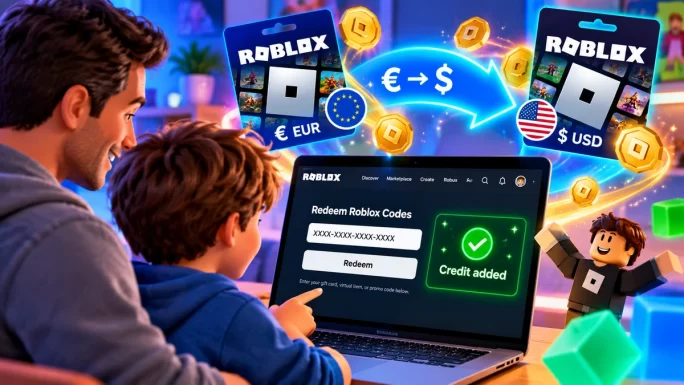
Gift cards are one of the safest ways for children to buy Robux. Parents decide the amount, there is no bank card saved on the account and spending stops when the Credit runs out.
- Set a budget. Give a card each month instead of linking a card to the account.
- Use parental controls. Roblox lets parents set monthly spending limits and spending notifications.
- Redeem together. Younger players often need help, and it is a good moment to talk about online safety.
- Keep the code private. Teach children never to share gift card codes with other players.
Remember that Roblox requires users under 18 to have a parent or guardian’s consent to redeem gift cards. In practice, that simply means the parent agrees to the terms, which most families do when they set up the account.
Giving a Roblox Gift Card as a Present
A Roblox gift card is one of the most popular presents for kids and teenagers, especially for birthdays and Christmas. Since the region lock is gone, you can send one to a friend or relative in another country without worrying about the currency.
Still, a card in the recipient’s own currency is the most considerate choice. They see a familiar amount, and they know exactly what it buys. When you buy a digital card, you get the code by email and in your account, so you can print it, write it in a card or send it in a message.
Finally, a good tip is to include a short note on how to redeem it, especially for younger players. The note can simply say: go to roblox.com/redeem, log in and enter the code.
Common Problems and How to Fix Them
- The code is not accepted. Check for typos, such as the letter O and the number 0, and enter the code without spaces.
- The code was already redeemed. Check whether someone else in your household redeemed it. If not, contact us with your order number.
- You cannot find the redeem option in the app. Gift cards are redeemed on the website, so open roblox.com/redeem in a browser.
- The Credit amount looks different. If the card currency differs from your account, Roblox converts the value at its monthly rate.
- The Credit went to the wrong account. Credit cannot be moved, so always check the account before you redeem.
Most problems come from typing errors or redeeming on the wrong account. Taking a moment to check both before you click Redeem saves a lot of trouble.
How to Stay Safe From Robux Scams
Robux scams target young players more than almost any other game currency. Watch out for these common tricks:
- Free Robux generators and websites that promise Robux for a code or your password. They do not exist and only steal accounts.
- Players asking for your gift card code in chat, often with a promise of rare items in return.
- Cheap codes from strangers on social media, which are often stolen or already used.
- Fake redeem pages that look like Roblox but sit on a different web address.
The rule is simple: redeem codes only on roblox.com/redeem, never share a code and buy cards from trusted shops. You can read more in our article on gift card scams in 2026.
22 regions and Robux cards
Roblox Gift Cards
Pick your currency or a Robux card and top up any Roblox account. Codes arrive in your account within minutes.
Shop Roblox Gift CardsFrequently Asked Questions
No. Since March 2024, Roblox gift cards work on accounts in any country. If the card currency differs from your account, Roblox converts the value without a fee.
Buy a card in the same currency as your Roblox account. That way there is no conversion, and you receive exactly the amount on the card.
Yes. Redeem it on roblox.com/redeem, and Roblox converts the dollar value into euros at its monthly exchange rate.
No. Roblox gift cards and Roblox Credit do not expire, and Roblox does not charge inactivity fees.
No. You redeem gift cards on the Roblox website at roblox.com/redeem. The Credit then works on every device linked to your account.
A currency card adds Roblox Credit, which you can spend on Robux or other Roblox purchases. A Robux card adds a fixed number of Robux directly.
Key Takeaways