
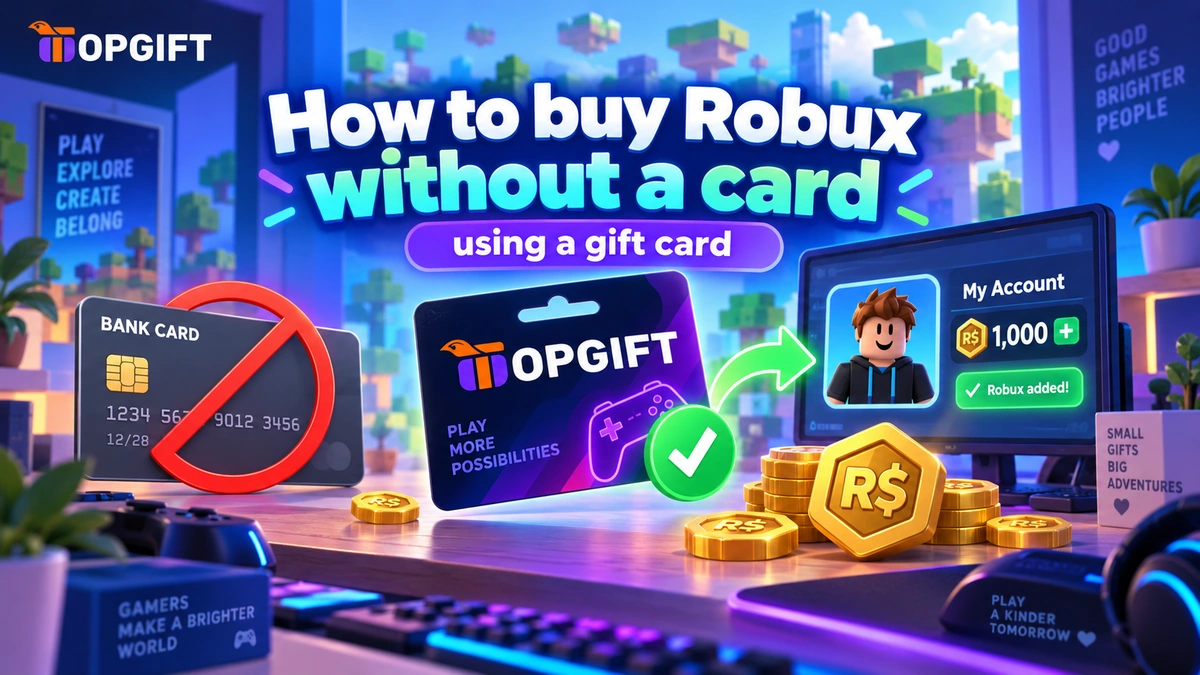
Not everyone has a credit card to hand when they want Robux — and plenty of Roblox players are young enough not to have one at all. The good news is you don’t need one. You can buy Robux without a card using a Roblox gift card: you get a code, redeem it, and the Robux appear in the account. Here’s how it works.
Jump to a section
The Short Answer
A Roblox gift card lets you add Robux to an account without any card details. You buy the card, receive a code, enter it on Roblox, and the Robux (or credit) are added straight away. No bank card, no card number typed into anything — just a code. That’s the whole method, and it’s the standard way to get Robux when a card isn’t an option.
Why a Gift Card Works for Robux
Buying Robux the usual way asks for a payment card, which is a problem if you don’t have one, if yours isn’t accepted, or if it’s a child’s account with no card attached. A gift card removes that step entirely. You’re paying for the card itself once, then redeeming a code — so nothing about the Roblox purchase touches a bank card.
It also means you can top up a set amount and stop there, rather than leaving a card linked to an account. For a lot of players, and a lot of parents, that’s the appeal: Robux without the card, and without an open payment method sitting on the account afterwards.
How to Buy Robux Without a Card
The whole thing takes a couple of minutes.
- Get a Roblox gift card. Choose an amount and pay however suits you — including methods beyond a credit card. Your code is delivered digitally, ready right after purchase.
- Sign in to Roblox. Log into the account you want the Robux on, and head to the gift card redemption page.
- Enter the code. Type or paste the code exactly as shown, with no spaces, and confirm.
- Done. The Robux or credit are added to the account, ready to spend on avatar items, passes and in-game purchases.
Great for Younger Players
This is where a gift card really shines. Many Roblox players are children, who obviously don’t have their own card — and parents often, quite reasonably, don’t want to link theirs to a game account. A gift card solves both. It’s a fixed amount, given as a code, with no card left attached to the account afterwards.
That makes it a tidy way to control spending, too. The card is worth what it’s worth, and once the Robux are used, there’s nothing more to spend until the next one. No surprise charges, no card for a child to spend beyond what was intended — just a set amount of Robux, given cleanly.
Frequently Asked Questions
Can you really buy Robux without a credit card?
Yes. A Roblox gift card adds Robux to an account using a code, with no card details involved. You pay for the card, redeem the code, and the Robux appear.
How do I redeem a Roblox gift card?
Sign in to Roblox, go to the gift card redemption page, and enter your code exactly as shown. The Robux or credit are added to the account straight away.
Is a gift card good for a child’s Roblox account?
Yes — it’s one of the safest ways. There’s no card linked to the account, spending is capped at the card’s value, and there’s no open payment method left behind afterwards.
Does the Robux amount depend on the card?
Yes. The card’s value determines how many Robux you get. Choose the amount that suits, redeem the code, and that amount is added to the account.


