You type in your code, tap Redeem, and Google Play shows an error instead of adding credit. A Google Play card not working is frustrating, but it rarely means the money is gone. In most cases, the cause is a country mismatch, a balance limit or a quick account check.
This guide walks through every common reason a Google Play card is not working, from “This code can only be used in” errors to failed purchases after the credit arrives. For each problem, you get the likely cause and a clear fix.
Quick Checks Before You Try Again
Start with the simple things first. Many errors disappear after one of these checks, so run through them before you change any settings.
Five checks that solve most errors
If the error is still there, read the message carefully. Google Play uses different wording for each problem, and the exact text tells you which section below to read.
Error messages at a glance
| What you see | Likely cause |
|---|---|
| This code can only be used in [country] | Card and account are in different countries |
| Already redeemed on a different account | The code went to another account |
| You have reached your redemption limit | Your balance is at the limit for your country |
| We need more info to redeem your gift card | Google wants to verify the account |
| Issue with your account | Payment profile details need updating |
| Code not valid | Typo, or a store card that was never activated |
Google Play Card Not Working in Your Country
This is by far the most common error. Google Play gift cards are geo-restricted, so a card only works in the country it was made for. If your account is set to another country, Google shows a message such as “This code can only be used in” followed by a country name.
Three things have to match. First, the card’s country must match your Google Play country. Second, the card’s currency must match the currency in your payment profile. Third, you must actually be in that country when you redeem.
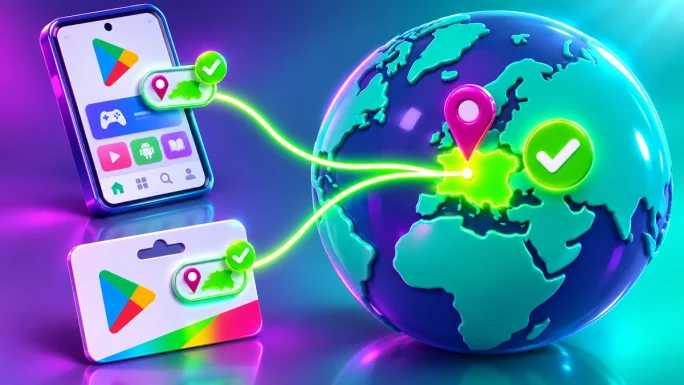
The last point catches travellers. If you are abroad, Google may block the code even though your account is set up correctly. In that case, simply wait until you are back home and try again.
VPN usersA VPN can make Google think you are in another country. Switch it off before you redeem, otherwise a perfectly valid code may fail.
To check your current Play country, open the Play Store, tap your profile icon and go to Settings, then General and Account and device preferences. The country appears under Country and profiles. If you have moved for good, you may need to change it. That has consequences, though, so read the country section below before you do it.
Google Play Gift Card
Google Play Gift Card United States
For Google Play accounts set to the United States.
Buy Google Play Gift Card USCode Already Redeemed on Another Account
Sometimes Google says the code has already been redeemed on a different account. Usually, that means it worked earlier, just not where you expected.
Start by checking your other Google Accounts. Many phones have two or more accounts, and the Play Store may have used a different one. Open the Play Store, switch account at the top right and look at the balance under Payments and subscriptions.
Also check your own balance history. If you tapped Redeem twice, the first attempt may have worked and the second one shows the error. In that case, the credit is already there.
If the code was never used by you, contact the seller. For privacy reasons, Google won’t tell you which account redeemed a code. A reputable seller can check the code status with the supplier.
Redemption Limit Reached
Google sets a maximum Play balance for each country. You may see “You have reached your redemption limit” or a message saying the code would put your balance over the limit.
For example, the limit is 2,000 euros in several eurozone countries. Daily limits can also apply, especially on new accounts. That is why redeeming several large cards on the same day sometimes fails.
The fix is simple. Spend some of your balance, wait 24 hours and redeem the code again. If you only hit a daily limit, the waiting alone is often enough.
TopGift Tip
Planning a big purchase? Redeem one card per day instead of several at once. It keeps you under daily limits and avoids extra account checks.
Google Play Card Not Working Because of Account Checks
Google sometimes pauses a redemption to protect the account. Two messages are typical: “We need more info to redeem your gift card. Send us details.” and “Can’t redeem your gift card due to an issue with your account.”
For the first message, Google wants to review the redemption. Follow the link in the message and fill in the form. Have a photo or screenshot of the code and your proof of purchase ready.
The second message usually points to your payments profile. Open your Google payments settings and check your name, address and country. Make sure the details are complete and match the country of the card. Then save the profile and try again.
These checks are more common on brand-new accounts and on accounts that redeem many codes in a short time. Once the account is verified, later codes usually go through without problems.
Invalid Code or Card Not Activated
An “invalid code” message often has a simple cause. Most of the time, a character was typed wrong. Copy and paste the code if you can, rather than typing it by hand.
Physical cards bought in a shop are a different story. The store has to activate them at the till, and Google can’t activate them later. If a shop card doesn’t work, take the receipt back to the store and ask them to check the activation.
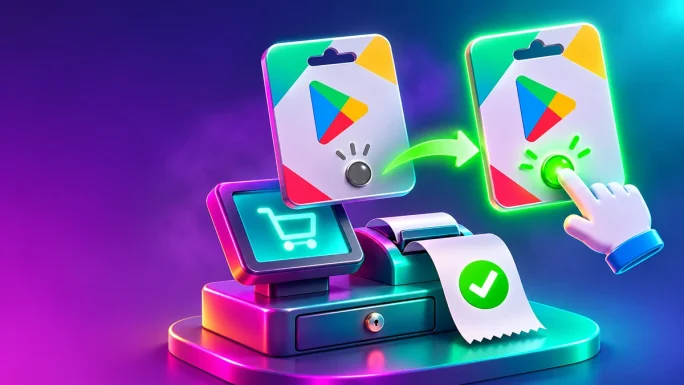
If a physical card is damaged, you can still enter the code manually. When even that fails, Google support asks for a photo of the back of the card with the serial number and your receipt.
Digital codes from TopGift don’t need activation. The code is ready to use as soon as it appears in your account dashboard. If it still shows an error, contact our support with your order number and a screenshot of the message.
Google Play Card Not Working at Checkout
Sometimes the code redeems fine, but purchases still fail. One typical message is “Your Play balance can only be used in” followed by a country. The balance is tied to the country where you redeemed it, so it won’t work while you are abroad.
Currency matters too. For instance, Google explains that an Australian balance in AUD can’t pay for purchases in Germany, because those prices are in euros.
Also check what you are buying. Play balance covers apps, games, in-app items, films and subscriptions in most countries. However, it can’t pay for Google hardware, and some subscriptions need a card on file for renewals. Our guide to fixing declined Google Play payments covers the remaining checkout errors.
How to Change Your Google Play Country
If you have moved abroad, changing your Google Play country lets you redeem local cards. Still, Google limits how often you can do it, so plan the switch carefully.
Google Play country rules
To change it, open the Play Store, tap your profile icon and go to Settings, then General and Account and device preferences. Under Country and profiles, pick the new country and follow the steps to add a payment method there.
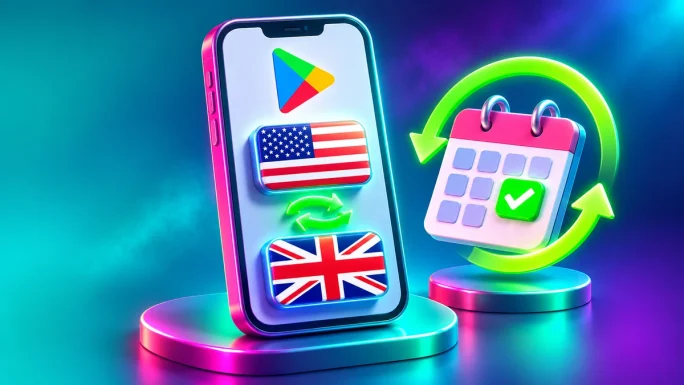
Before you switch, spend your old balance. Otherwise it stays locked to the old country until you switch back. Our guide to Google Play gift card regions explains how to pick the right card for each country.
Google Play Gift Card
Google Play Gift Card Germany
For Google Play accounts set to Germany.
Buy Google Play Gift Card GermanyRedeem the Code the Right Way
Redeeming correctly avoids many of the problems above. On Android, open the Play Store app, tap your profile icon, choose Payments and subscriptions, then Redeem gift code. Enter the code and confirm.
On a computer, go to play.google.com, open the menu and choose Redeem. This is handy when the app keeps failing. Our step-by-step redeem guide shows each screen.
After redeeming, check the balance under Payments and subscriptions. The credit usually appears straight away. If it doesn’t, wait a few minutes and refresh before you try the code again.
Checking Your Balance and History
When a redemption seems to fail, check your balance before trying again. Open the Play Store, tap your profile icon and choose Payments and subscriptions. Your current balance appears at the top of the Payment methods screen.
For more detail, open Budget and history. There you can see every purchase and every redeemed code with its date. If the code shows up in the list, it worked, even if the app displayed an error at the time.
On a computer, the same information sits on play.google.com under Payments and subscriptions. This view is handy when you share a family device and want to see which account received the credit.
Finally, remember that only the account owner sees this history. If a family member redeemed your code on their own account, the credit appears in their balance, not yours.
New Phone or Reset Device
A new phone or a factory reset can also make it look as if your balance has vanished. In reality, the balance is stored on your Google Account, not on the device itself.
So sign in with the same Google Account you used before, then open Payments and subscriptions in the Play Store. Your balance and purchase history should appear within a few minutes.
If you see a zero balance, check which account is active. Many people create a fresh account by mistake during setup. Switching to the original account usually brings everything back.
Mistakes That Leave a Google Play Card Not Working
Most failed redemptions come from a handful of slips. Here is how to avoid them.
Common mistakes
Buying a card for the wrong countryFix: Check your Play country first and buy the matching card.
Redeeming with a VPN switched onFix: Turn the VPN off before you redeem.
Redeeming abroadFix: Wait until you are back in the card’s country.
Using the wrong Google AccountFix: Switch accounts and check the balance on each.
Changing country with balance leftFix: Spend the old balance before you switch.
Redeeming on Other Devices
You don’t need an Android phone to redeem a code. On a Chromebook, the Play Store app works the same way as on a phone. On Google TV or Android TV, typing a long code with a remote is slow, so it is easier to redeem it on play.google.com first.
Once redeemed, the balance belongs to your Google Account, not to one device. As a result, it is available on every phone, tablet, Chromebook and TV signed in to that account.
iPhone owners should be careful, though. A Google Play balance can’t pay for anything in Apple’s App Store. If you only use an iPhone, an Apple Gift Card is the better choice, and our guide on what an Apple balance can buy explains the options.
What Play Balance Can Pay For
Knowing what the balance covers saves a lot of confusion. In most countries, it pays for apps, games, in-app purchases, films and many subscriptions sold through Google Play. In some countries, it also covers e-books.
- Works: paid apps and games, in-game currency, Google Play Pass, YouTube Premium bought through Play and many app subscriptions
- Works in most countries: films and TV rentals in Google TV and books in Google Play Books
- Doesn’t work: phones, Pixel devices and accessories from the Google Store
- Doesn’t work: purchases made on a developer’s own website instead of inside the app
If an app offers both in-app checkout and a web shop, only the in-app option uses your Play balance. Similarly, a subscription renewal may switch to your card if the balance runs low, so keep an eye on it.
Promo Codes Versus Gift Cards
Not every Google Play code is a gift card. Developers and brands also hand out promotional codes for free items, discounts or trial periods. These codes follow slightly different rules.
For example, some promotional codes have an expiry date, while gift card balance doesn’t. Many promo codes can also only be used once per account. Therefore, an expired promo code shows an error even though nothing is wrong with your account.
You redeem both types in the same place. However, a promo code may add an item or reward instead of money, so don’t worry if your balance stays the same after a promo redemption.
Google Play Card Scams to Avoid
Google Play cards only pay for Google Play content. Even so, scammers often ask victims to pay with them, because codes are quick to cash out and hard to trace.
- Someone claims to be from a tax office, a bank or the police and asks for payment in Google Play cards
- A “tech support” caller says your phone is hacked and asks for codes to fix it
- A seller on social media offers codes far below their face value
- A stranger offers to “unlock” a code that is not working if you send it to them
In all of these cases, it is a scam. Never read a code out to anyone or send a photo of it. Instead, buy codes only from trusted shops and redeem them yourself.
When to Contact Support
If none of the fixes work, it is time to ask for help. Who you contact depends on where you bought the card.
- Card from a shop. Contact the store first, since only they can confirm the activation.
- Code from TopGift. Message our support with your order number and a screenshot of the error. We check the code with the supplier and help you solve it.
- Account or verification errors. Contact Google Play support, because only Google can review your account.
Whoever you contact, describe what you already tried, such as switching accounts or turning off a VPN. It saves a lot of back-and-forth. In every case, keep the code private. Never post it in forums or send it to anyone who claims they can “fix” it for you.
How to Avoid a Google Play Card Not Working Next Time
The best fix is prevention. Before you buy, check your Google Play country in the Play Store settings and pick the card for the same country. TopGift sells Google Play codes for many countries, including the United States, the United Kingdom, Germany, France and Japan.
Codes appear in your account dashboard right after payment, so you can redeem them immediately while you are at home and signed in to the right account.
Google Play Gift Cards
Google Play Gift Cards for Every Region
Codes for the US, UK, EU countries, Japan and more.
Buy Google Play Gift CardsLooking for other options? Our gift card catalogue covers every brand we carry.
Key Takeaways
Refunds and Unused Balance
Google treats gift card balance like cash in your account. You can’t turn it back into money, transfer it to another Google Account or swap it for another prepaid method.
That is why it pays to fix errors rather than give up. A code that fails because of a country mismatch is still valid. Once you redeem it on the right account in the right country, the full value appears.
If a TopGift code turns out to be faulty, our support team handles it with the supplier. Keep your order number and the exact error message, since both speed up the check.
Frequently Asked Questions
The card was made for a different country than your Google Play account. Buy a card for your own Play country, or redeem it only if you live in the card’s country.
Usually not. You need to be in the card’s country to redeem it and to spend the balance, so wait until you are back home.
The code was used before, often on another of your Google Accounts. Check each account’s balance before contacting the seller.
Spend some balance and wait 24 hours, then try again. Daily limits reset on their own.
No. Only the store can activate a physical card, so take the receipt back to them.
No. Digital codes are ready to use as soon as they appear in your account dashboard.