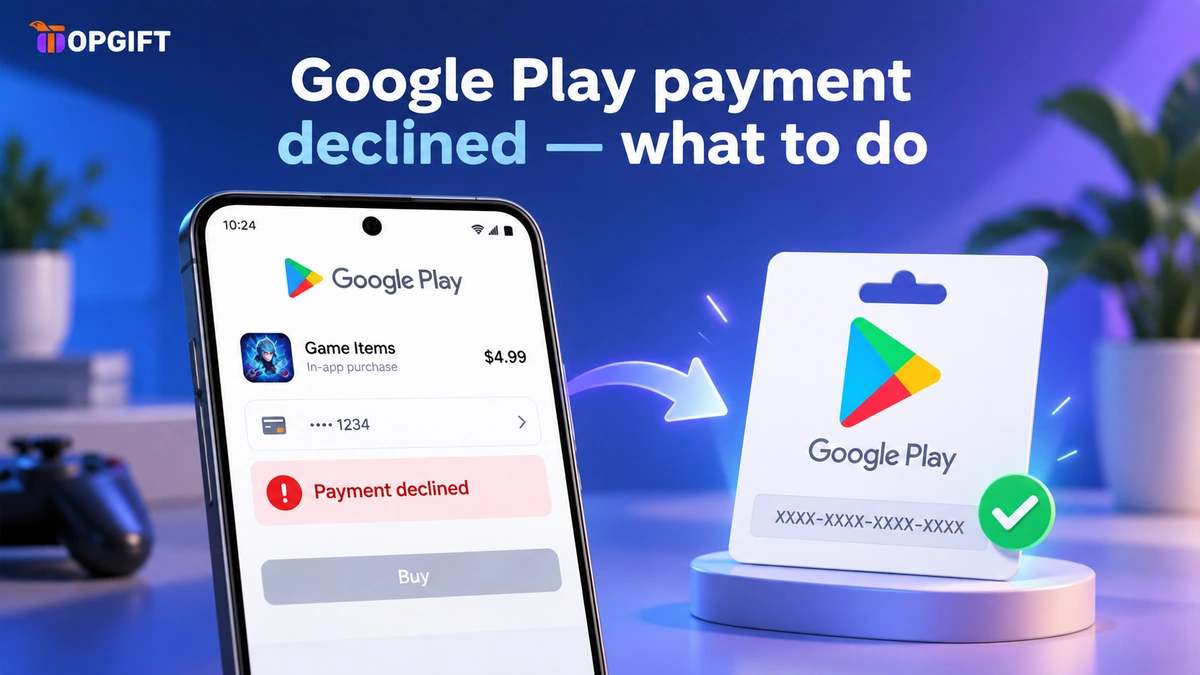
You’re trying to buy an app, top up a game, or redeem a code, and Google Play stops you with a plain “payment declined”. No explanation, no obvious cause. Sometimes it’s a simple card issue with a simple fix. Sometimes, especially if you’ve been redeeming gift cards, it’s something else — a verification block that most guides never mention. Here’s both, and how to handle each.
In this guide
Why Google Play Declines a Payment
Most declines trace back to a handful of ordinary causes, and it’s worth going through them properly rather than guessing.
A card that doesn’t support the transaction type. Subscriptions and recurring charges ask more of a card than a one-off purchase does. Prepaid cards and some debit cards handle a single payment fine but get refused the moment Google tries to set up a recurring billing agreement behind it — for a subscription like YouTube Premium or a recurring in-app purchase, that distinction matters.
A bank flagging the purchase as unusual. Fraud filters are tuned to catch anything that looks out of pattern, and a digital storefront charging in a currency you don’t usually spend in can look exactly like that. The bank isn’t rejecting you specifically; it’s rejecting a pattern that resembles fraud, and it often does so without any notification beyond the decline itself.
A region mismatch. Google Play ties your account to one country’s store, set when you first created it, and every card you add has to match that country. A card issued somewhere else — common after moving abroad, or when a family member’s card gets added by mistake — fails every time, consistently, because the mismatch never resolves on its own.
An expired or outdated saved card. The least dramatic cause and the easiest to miss, because Google Play doesn’t always warn you clearly when a saved card has lapsed. It just declines the next charge.
Each of these has a direct fix, and the section further down walks through them. That part of the problem is well documented across the internet. The next part isn’t.
The Trap Nobody Warns You About
If you redeem several Google Play gift cards close together, you can run into a different message entirely: Google asks for more information before it will let the codes through. In practice, that means proving each code was bought legitimately — submitting receipts or screenshots showing where and how you purchased them.
It’s not a payment problem at that point. Your card is fine. What’s tripped is a verification check, and it seems to respond to the pattern of redeeming several codes in quick succession rather than to any single code being wrong. Consequently, someone topping up gradually rarely sees it, while someone loading several codes back-to-back is far more likely to.
Once it happens, the fix is straightforward but annoying: gather the confirmation or receipt from wherever you bought each code, and submit them when Google asks. It resolves, but it costs time you didn’t plan to spend.
What the Verification Step Actually Looks Like
In practice, the prompt appears inside your Google Play account, usually on the page where you’d normally see the redeemed balance. Instead, there’s a request for supporting documents — a receipt, an order confirmation email, or a screenshot showing the purchase. You upload what you have for each affected code, and Google reviews it.
The review isn’t instant, so budget more than a few minutes if it happens right before you needed the balance for something. Once approved, the balance appears as normal and the account behaves as it did before — this isn’t a permanent restriction, just a one-time check that has to clear.
Other Google Play Errors People Confuse With This
“Payment declined” gets used loosely, and it’s worth separating it from a few messages that look similar but mean something different.
- “This item isn’t available in your country.” An app or content restriction, not a payment issue at all. No card or gift card fixes this — the content itself is region-locked.
- “Insufficient funds.” Usually accurate: the balance or card genuinely doesn’t cover the amount. Worth checking before assuming it’s a system error.
- “Something went wrong. Try again.” A generic network or server hiccup on Google’s side, unrelated to your card or account. Waiting a few minutes and retrying usually clears it.
- “We need more information.” The verification trap covered above — distinct from a decline, even though it feels similar in the moment.
Google Play Error Codes and What They Mean
Sometimes Google Play shows a code instead of a message. Here is what the most common ones mean and how to fix them.
| Error code | What it means | What to do |
|---|---|---|
| OR-CCSEH-22 | Your bank declined the payment | Contact your bank or use another card |
| OR-CCSEH-32 | Transaction declined | Try another payment method or call your card issuer |
| OR-HDT-14 | Card details are wrong | Correct the card info or add a different card |
| OR_CCREU_05 / 07 | Card is linked to too many Google accounts | Use a card tied only to this account |
| OR-HDT-09 / OR-IEH-02 | Google needs to verify your card | Verify the card at payments.google.com |
| OR-CCSEH-05 / 21 / 24 | Problem with your payments profile | Wait 2 days, try again, then contact Google Support |
Fixing a One-Off Decline
For an ordinary decline — not the verification trap above — a few checks cover most cases.
- Confirm the region matches. A card issued in one country often won’t work on a Google Play account set to another. Check your account’s country in settings before assuming the card is at fault.
- Try the payment again, once. Banks sometimes block a first attempt as a precaution and let a second one through. Beyond a second try, retrying rarely helps and can trigger further flags.
- Check with your bank. Some banks block digital purchases by default until asked not to. A quick call sometimes clears it instantly.
- Remove and re-add the card. An outdated or corrupted saved card is a common, boring cause that a simple refresh fixes.
If none of that works, or if you’d rather sidestep card problems entirely, a Google Play gift card removes the card from the process altogether — you redeem a code instead of charging a bank. Our guide to gift cards that will not redeem covers the separate case where the code itself is the problem.
Get Google Play Gift Cards →Redeeming Gift Cards the Smart Way
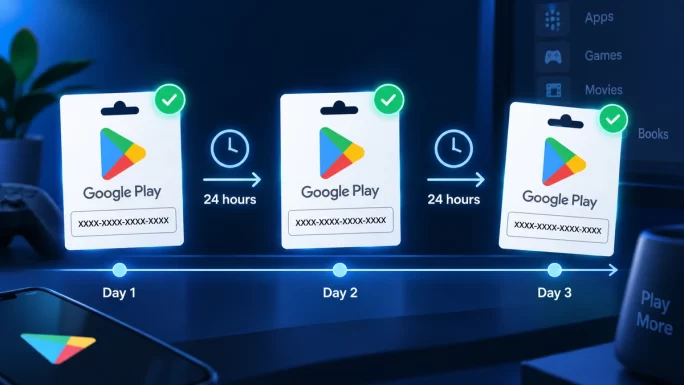
Given the trap above, there’s a simple practice worth adopting if you’re topping up with several gift cards: space them out. Redeem one, use it or let it settle into the balance, and add the next a bit later rather than loading four or five codes in one sitting.
It’s not a guaranteed prevention, since the exact trigger isn’t published anywhere, but it noticeably lowers the odds of hitting the verification wall. If you do get flagged despite spacing things out, keep the purchase confirmation for each code somewhere easy to find — it turns a frustrating block into a five-minute fix instead of a scramble.
This is really just gift cards behaving like gift cards: a redeemed balance, not a card on file, and no bank in the transaction. Browse the Google Play gift card range if a card-free top-up is what you’re after in the first place.
Frequently Asked Questions
Why does Google Play say payment declined?
Usually a card issue — wrong region, an expired card, or a bank blocking the transaction. If you’ve recently redeemed several gift cards, it can also be a verification check rather than a payment problem at all.
Why is Google Play asking for more information?
This typically follows redeeming multiple gift card codes in a short space of time. Google wants proof each code was purchased legitimately — receipts or screenshots from where you bought them.
How do I avoid the verification block?
Redeem gift cards gradually rather than several at once. It isn’t a guaranteed fix, but spacing codes out noticeably reduces how often the check triggers.
What proof does Google actually want?
A receipt, order confirmation, or screenshot showing where you bought each code. Keeping these on hand as you buy makes the process quick if you’re ever asked.
Does a Google Play gift card avoid card decline issues?
Yes, for ordinary card problems. You redeem a code rather than charging a bank card, so declines tied to region mismatches or blocked banks don’t apply. The separate verification check above can still occur if you redeem several at once.
How long does the verification check take?
It isn’t instant. Google reviews the documents you submit, so it can take longer than a typical purchase — plan for it if you need the balance urgently, and submit clear proof the first time to avoid a back-and-forth.
Is “payment declined” the same as “insufficient funds”?
No. Insufficient funds means the balance or card genuinely doesn’t cover the cost. A decline can happen even with enough funds available, since it’s usually about the bank, the region, or the card type rather than the amount.
Will this happen every time I redeem a gift card?
No — most single redemptions go through without any issue. The check tends to trigger specifically when several codes are redeemed in quick succession, which is why spacing them out helps.