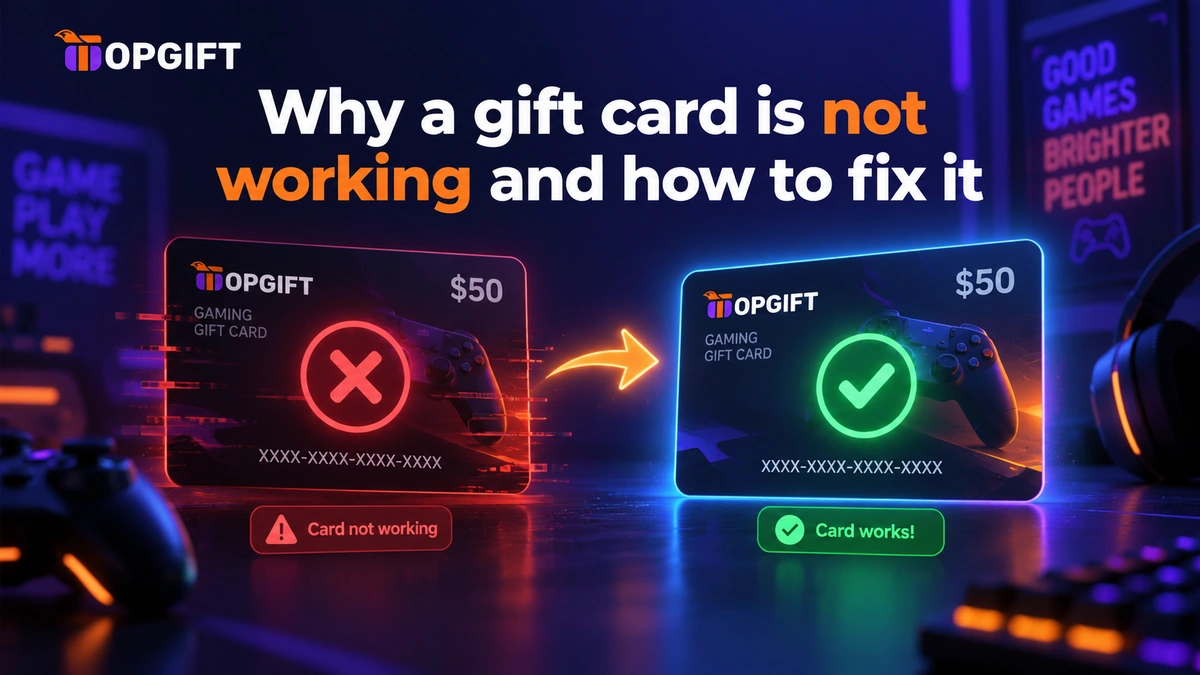
You bought a gift card, you’re ready to use it, and it won’t go through. The code is rejected, the balance doesn’t appear, or an error message you don’t understand pops up. A gift card not working is frustrating — but it’s almost always one of a handful of simple, fixable causes. This guide runs through each one and how to sort it.
Whether it’s a shop card like Amazon, a gaming top-up like Steam or PSN, or a streaming card like Netflix, the reasons a code fails are much the same everywhere. Here’s what’s going wrong, and what to do about it.
In this guide
Why a Gift Card Won’t Redeem
A gift card usually fails for one of six reasons: it is for a different region, it is in a different currency, it has already been used, it has expired, it was redeemed on the wrong account or platform, or the code was typed with a mistake. Check them in that order and most codes work within minutes.
When a gift card is not working, it’s rarely a problem with the card itself. In most cases, something small doesn’t line up — the region, the currency, the account, or the code entry. The platform then refuses it, often with a vague error that doesn’t explain the real cause.
Below are the common culprits, roughly in the order worth checking. Work through them and you’ll almost always find the one that applies.
Wrong Region or Country
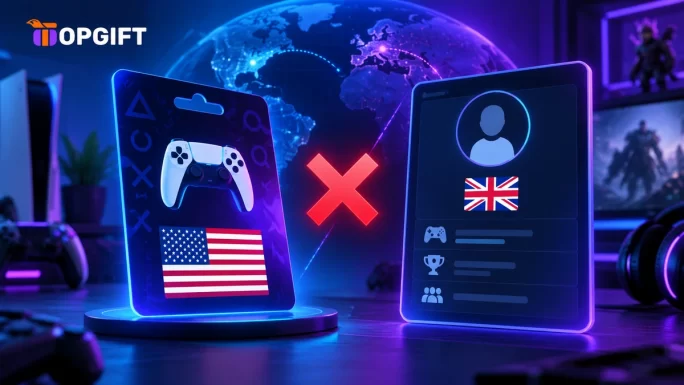
This is the most common reason by far. Most gift cards are tied to a specific country, and they only redeem on an account set to that same country. A US card won’t work on a UK account, and vice versa. If your code is rejected as invalid, a region mismatch is the first thing to suspect.
The fix is to use a card that matches your account’s region. When buying, always pick the version for the country your account is registered to — not where you happen to be. Buying from a seller that clearly labels each card’s region makes this easy to get right the first time.
Wrong Currency
Closely related to region: some cards are issued in a specific currency, and the platform expects it to match your account’s currency. A mismatch can cause the redemption to fail or the card to be refused. Again, matching the card to your account’s country usually keeps the currency right too.
The Code Is Already Used
If a card shows as already redeemed, the code has been used before — sometimes a sign the card was bought from an unreliable source. This is the risk with cheap codes from anonymous sellers or marketplaces: the same code may have been sold more than once, or used before you got it.
The way to avoid this entirely is to buy from an established seller with a redeemability guarantee, where every code is single-use and genuine. A code that’s fresh and sold once always redeems.
The Card Has Expired
Some gift cards carry an expiry date, and a code past it won’t redeem. This mostly affects cards left sitting for a long time. Check any expiry terms when you buy, and redeem promptly rather than leaving a code unused for months. A freshly bought card gives you the full validity period.
Wrong Account or Platform
It sounds obvious, but it’s a common slip: entering the code on the wrong platform, or into the wrong account. A Steam code goes into Steam, not the Epic store; an Xbox code into a Microsoft account, not somewhere else. If a code won’t take, double-check you’re redeeming it in exactly the right place, logged into the right account.
A Typo in the Code
The simplest cause of all. One wrong character and the code is rejected. It’s easy to confuse a zero with the letter O, or a 1 with an I. Copy and paste the code where you can, rather than typing it, and check it carefully before submitting. This alone fixes a surprising number of “not working” codes.
How to Avoid It Next Time
Most of these problems trace back to two things: buying the wrong version, or buying from an unreliable source. Get those right and gift cards simply work.
Match the region and currency to your account, redeem promptly, and buy from a seller that guarantees every code. For gaming, that means the right gaming top-up card for your account’s region; for shopping and streaming, the right brand gift card. Buying from a source with a redeemability guarantee removes the “already used” and “invalid code” problems before they start.
Browse Gaming Cards → Browse Gift Cards →Frequently Asked Questions
Why is my gift card not working?
Usually a region or currency mismatch, an already-used code, an expired card, the wrong platform, or a typo. Region mismatch is the most common — the card must match your account’s country.
Can I use a gift card from another country?
Usually not. Most gift cards only redeem on an account set to the same country as the card. Buy the version for your account’s region to be sure it works.
My code says it’s already been used — what happened?
The code was redeemed before you got it, often a sign of an unreliable seller reselling codes. Buying from an established seller with a redeemability guarantee avoids this entirely.
Do gift cards expire?
Some do, depending on the brand. A code past its expiry won’t redeem, so check the terms and redeem promptly rather than leaving it unused for a long time.
I typed the code correctly but it still fails — what now?
Check the region matches your account, that you’re on the right platform and account, and that the code isn’t already used. If all of those are fine, contact the seller you bought it from.
The Bottom Line
A gift card that won’t work is annoying, but the cause is nearly always simple: the wrong region, the wrong currency, an old or used code, the wrong account, or a typo. Check those in order and you’ll usually spot it in seconds. And most of it never happens in the first place when you buy the right card, for the right region, from a seller that stands behind every code.