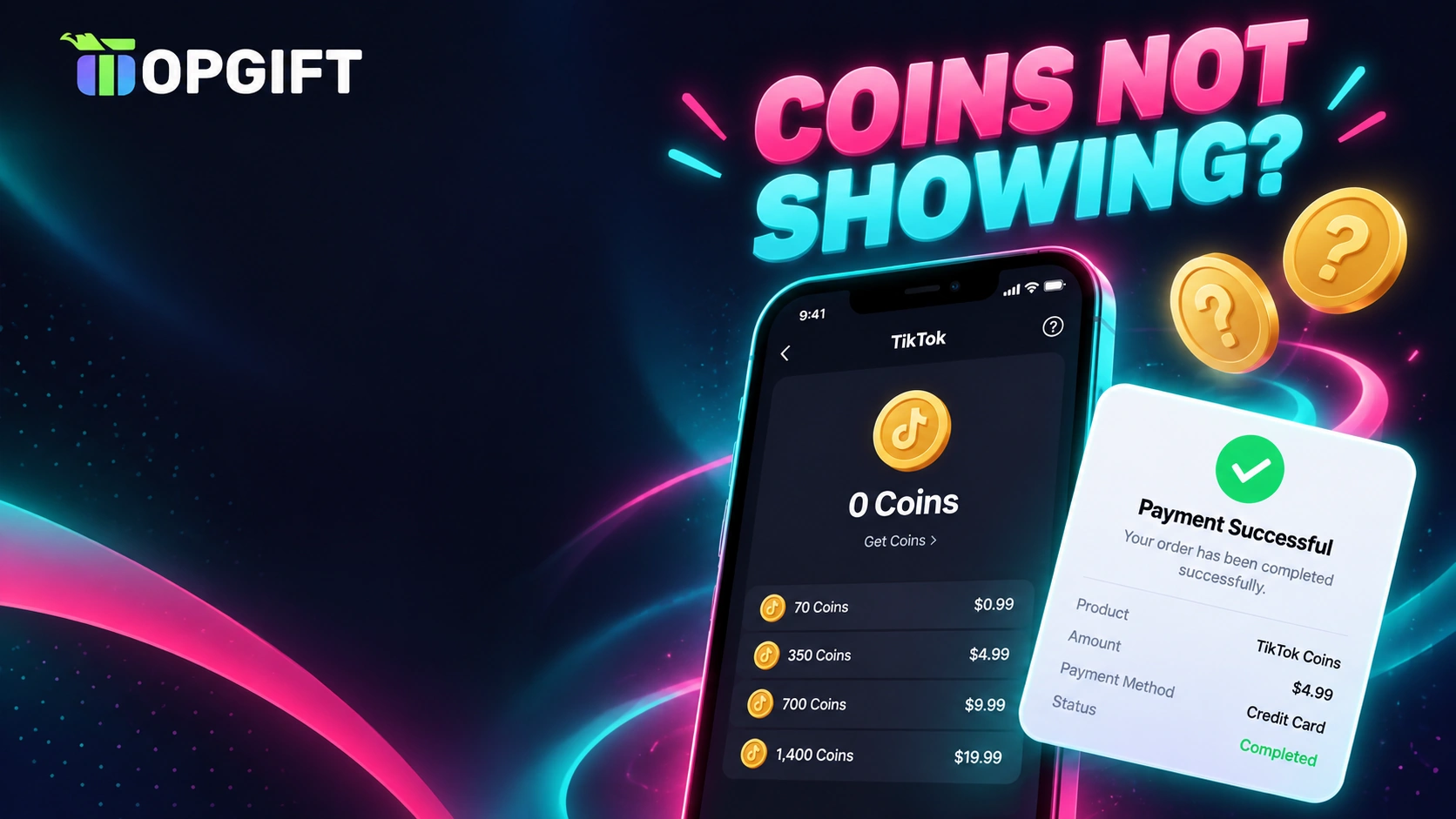
You paid for TikTok Coins, the money left your account, and your balance still says zero. It’s one of the most frustrating TikTok problems, especially right before a LIVE you wanted to support. Fortunately, missing Coins almost always have a simple cause.
This guide walks through every reason TikTok Coins don’t show up after a recharge, from the quick checks to payment errors and gift card mistakes. It also explains how to contact TikTok when the Coins really are missing.
Most of the time, TikTok Coins don’t show because you’re signed in to a different account, the payment is still pending, or the app hasn’t refreshed yet. Check the account, wait a few minutes, then force-close and reopen TikTok. If the payment went through and the Coins still aren’t there, contact TikTok with your receipt.
Check These Three Things First
Before you dig deeper, run through these quick checks. Together, they solve the majority of cases in a couple of minutes:
- Make sure you’re signed in to the same TikTok account you recharged. Many people have a second profile and simply look at the wrong one.
- Give it a few minutes. Some payments take a moment to confirm, especially the first time you use a new card.
- Force-close TikTok and open it again, then check your balance under your profile menu.
If the Coins appear after that, you’re done. If not, the sections below cover the less obvious causes.
Why TikTok Coins Don’t Show Up
Each cause leaves a slightly different trace. This table helps you spot which one applies to you.
| Cause | What you’ll notice | What to do |
|---|---|---|
| Wrong account | Balance is zero on this profile | Switch to the account you recharged |
| Payment still pending | Bank shows “pending”, no receipt yet | Wait and don’t pay again |
| App not refreshed | Receipt received, balance unchanged | Force-close, update the app, restart |
| Payment declined | Error message at checkout | Fix the card or use another method |
| Account under 18 | Recharge option missing or blocked | Coins are for adults only |
| Region mismatch | Odd currency or a rejected gift card | Match the region to your account |
The age rule surprises many people. TikTok only lets users aged 18 or older buy Coins and send gifts, and in South Korea the minimum is 19. So if your account was created with a younger birth date, the recharge simply won’t work.
Coins Bought on the Website but Missing in the App
Buying Coins on tiktok.com is often cheaper than buying them in the app, because no app store takes a cut. However, it does add one extra place where things can go wrong.
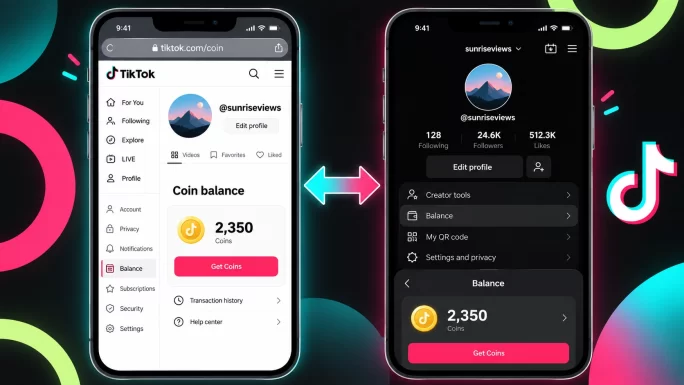
The website and the app share the same balance, but only if you log in to the same account in both. So check the username at the top of the recharge page before you pay. After a website purchase, close the app completely and reopen it, since the balance sometimes updates only after a fresh start.
For a full comparison of where Coins cost less, see our guide on how to recharge TikTok Coins cheaper.
Payment Went Through but Coins Are Still Missing
Sometimes the money really did leave your account, yet the Coins never arrived. In that case, the order needs to be traced, and you’ll need proof.
Most importantly, don’t pay again while you wait. A second purchase rarely fixes a stuck one, and it can leave you with two charges to sort out.
ImportantTikTok support will never ask for your password, two-factor code or full card number. If someone does, it’s a scam, so don’t share those details anywhere.
When Your Card Keeps Getting Declined
If the payment fails before it even starts, the problem is usually on the card side. Banks often block online or international purchases by default, and app stores refuse cards whose billing country doesn’t match the account.
First, check that online and international payments are switched on in your banking app. Then confirm the card hasn’t expired and has enough balance. If it still fails, calling your bank is often the fastest fix.
Alternatively, you can skip the card completely. A prepaid TikTok Coins gift card adds Coins to your account without any bank card involved, so there’s nothing for a bank to decline.
Redeeming a TikTok Coins Gift Card Without Mistakes
Gift cards remove the payment problem, but they bring two rules of their own. Get them right, and the Coins arrive shortly after you redeem.
First, pick the card that matches your account’s region. Each card works only with accounts from its own country or region:
| Card | Works with accounts in |
|---|---|
| TikTok Coins Gift Card USD | United States |
| TikTok Coins Gift Card GBP | United Kingdom |
| TikTok Coins Gift Card EUR | Europe |
| TikTok Coins Gift Card CAD | Canada |
| TikTok Coins Gift Card AUD | Australia |
Second, enter your TikTok account details carefully when you redeem on Rewarble. One wrong letter in the username can send the Coins to a different account, and that’s very hard to undo. So copy your username straight from your TikTok profile instead of typing it from memory.
Frequently Asked Questions
Usually you’re signed in to a different account, the payment is still pending, or the app needs a restart. Check the account, wait a few minutes, then force-close and reopen TikTok.
Coins normally appear within minutes. If a payment is still pending with your bank or app store, it can take longer, so avoid paying a second time.
The website and app share one balance only if you use the same account on both. Check the username on the recharge page, then close and reopen the app.
The most common reasons are a declined card, an account under 18, or a region mismatch between your account, card and app store.
Go to your profile menu, open Settings and privacy, then Report a problem. Describe the issue and attach your receipt with the order number.
Yes. A prepaid TikTok Coins gift card adds Coins without a bank card. Just choose the card for the same region as your TikTok account.
Key Takeaways