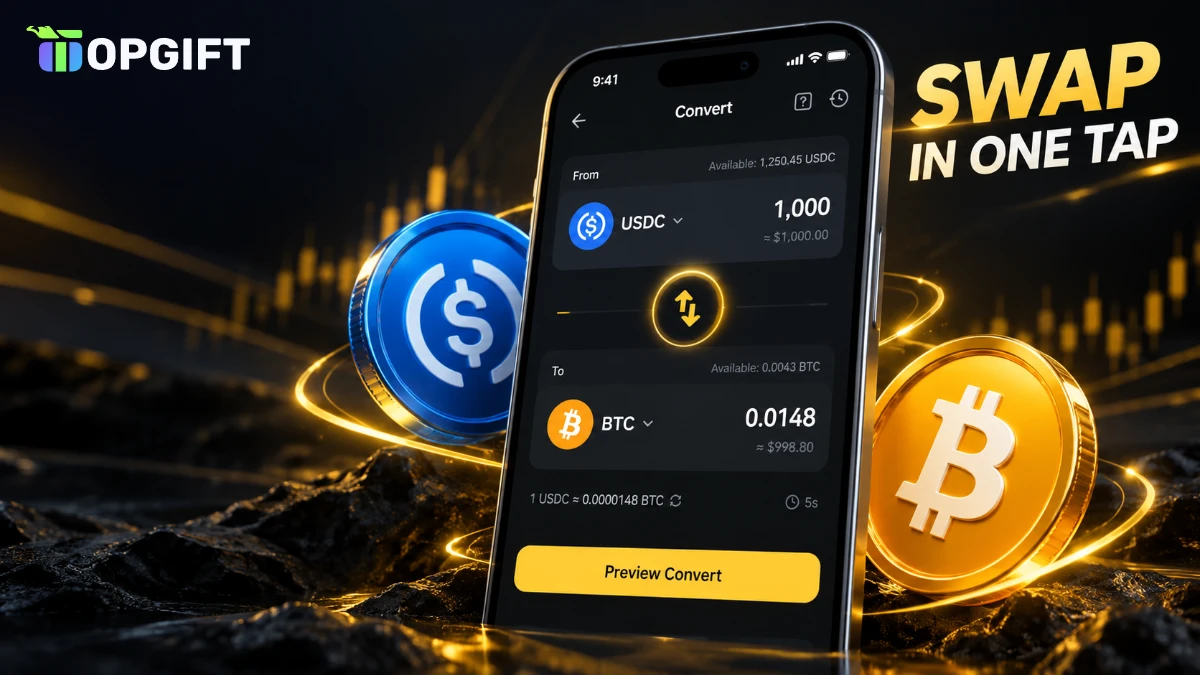
Binance Convert is the simplest way to turn one coin into another. You pick what you have, what you want and the amount, and Binance shows you exactly what you’ll get. There’s no order book, no chart and no trading screen to learn.
This guide explains how Binance Convert works, how it compares with Spot trading and how to use it step by step. It also covers the three Convert modes and a few checks worth doing before you swap a larger amount.
What Binance Convert Is
Binance Convert is a swap tool built into Binance. Instead of placing an order and waiting for someone to match it, you get a fixed quote and accept it. The swap then happens in seconds.
On top of that, Convert doesn’t charge traditional trading fees. Binance builds its cost into the quoted price instead, so the amount you see before you confirm is the amount you receive. As a result, there are no surprise deductions after the swap.
Binance Convert vs Spot Trading
Both tools swap coins, but they suit different people. Here’s how they compare:
| Feature | Binance Convert | Spot trading |
|---|---|---|
| How the price is set | A fixed quote you accept | The live order book |
| Fees | Built into the quote | A separate trading fee |
| Difficulty | A few taps | Charts and order types |
| Order types | Instant, Recurring, Limit | Market, Limit, Stop and more |
| Best for | Quick, simple swaps | Active traders |
For most people who just want to change one coin into another, Convert is the easier choice. Spot trading makes more sense if you trade often or want full control over the price.
Why Convert Is Handy After Redeeming a Binance Gift Card
When you redeem a Binance Gift Card, the crypto lands in your Funding wallet. Normally, you’d move it to your Spot wallet before you could trade it. Convert skips that step, because it can use your Funding wallet balance directly.
That makes a common plan very easy. For example, many people buy a Binance Gift Card USDC because a stablecoin holds its value, then convert part of it into Bitcoin or Solana when they’re ready. You redeem the card, open Convert, choose Funding as the source and swap in one go.
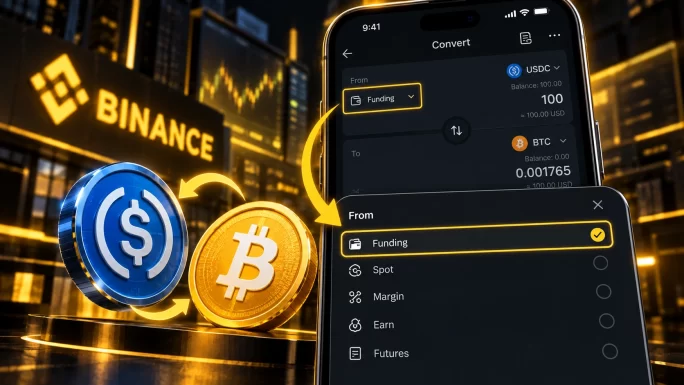
If you’re not sure what the two wallets are for, our guide to the Funding wallet vs Spot wallet explains the difference.
How to Use Binance Convert
The process is almost identical in the app and on the website. Here’s how it works in the Binance app:
The new coin appears in your account straight away. On the website, you’ll find the same tool under Trade, then Convert and Block Trade.
TipThe quote only stays valid for a short time and then refreshes. If the amount changes on the confirmation screen, that’s normal: the price simply moved.
Instant, Recurring and Limit: Which Mode to Choose
Convert has three tabs, and each one fits a different situation.
Instant swaps right now at the quoted price. It’s the right choice for almost everyone and the one you’ll use most.
Recurring buys a coin automatically on a schedule, for example a fixed amount of Bitcoin every week. Binance describes this mode as zero-fee, and it suits people who prefer to buy gradually instead of all at once.
Limit lets you set the price you want and wait for the market to reach it. However, Binance notes that a Limit order may not always fill, even if the market touches your price. So use it when you’re not in a hurry.
This guide explains how the tool works, but it isn’t financial advice. Always decide for yourself which coins to hold and when.
Things to Check Before You Convert
Convert is simple, but a few details are worth knowing before you swap.
- You need a verified Binance account to use Convert.
- Minimum and maximum amounts depend on the coin pair, and Binance shows them before you enter an amount.
- Not every pair is supported. If a coin isn’t in the list, you can’t convert to it directly.
- Some stablecoins are restricted for users in the European Economic Area.
- For very large amounts, compare the quote with the Spot price first.
ImportantA completed conversion can’t be reversed. Check the coin and the amount on the preview screen before you tap Convert.
Frequently Asked Questions
Binance Convert is a tool that swaps one cryptocurrency for another at a fixed quoted price. You don’t need to use the trading screen or place an order.
Binance Convert doesn’t charge traditional trading fees. Instead, the cost is built into the quoted price, so the amount you see is the amount you receive.
Yes. You can choose your Funding wallet as the source, so crypto from a redeemed Binance Gift Card can be converted without moving it to Spot first.
For simple swaps, Convert is easier and shows the final amount up front. Spot trading suits active traders who want order types and full control over the price.
Quotes stay valid only for a short time. When the price moves, Binance refreshes the quote, so the final amount can differ slightly from the first one you saw.
No. Once a conversion is complete, it can’t be reversed. You can only convert the coins back, at the new price.
Key Takeaways