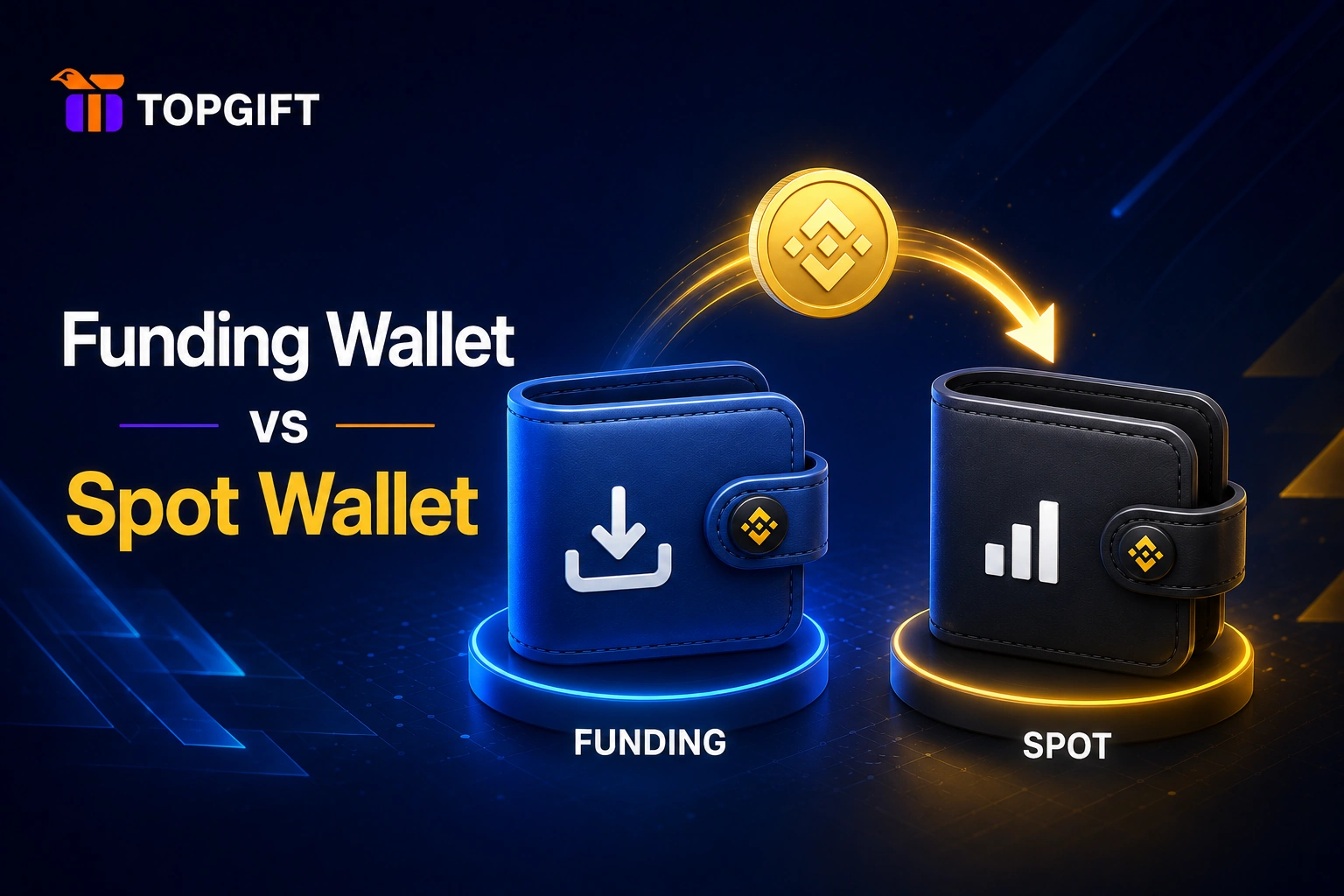
You redeemed your crypto, everything went through, and now you’re staring at your account wondering where it actually went. Before you panic: it’s almost certainly there, just sitting in a different wallet than you expected. The Funding and Spot wallet split confuses nearly every beginner, and it’s one of the most common “where’s my crypto?” moments there is.
Here’s what the two wallets are, why your balance lands in one rather than the other, and how to move funds between them in a few taps.
Two Wallets, One Account
On Binance, your account isn’t a single pot of money. It’s divided into separate wallets, each meant for a different purpose. The two you’ll meet first are the Funding Wallet and the Spot Wallet, and knowing the difference clears up most early confusion.
Think of them as two pockets in the same coat. The money is all yours, all in the same account — it just matters which pocket it’s in for what you want to do next.
| Funding Wallet | Spot Wallet | |
|---|---|---|
| Main job | Receiving money: gift cards, P2P, Binance Pay | Trading on the exchange |
| Redeemed Binance Gift Card | Lands here | Not here until you transfer |
| Buy, sell or swap coins | Transfer to Spot first | Yes |
| P2P trading | Yes | No |
| Transfer between them | Free and instant | Free and instant |
What the Funding Wallet Is For
The Funding Wallet is the one tied to payments, transfers, and gift card redemptions. When you redeem a gift card, the crypto usually lands here first. That’s by design, not an error — the Funding Wallet is where money “arrives” from outside sources.
It’s used for things like peer-to-peer trades, certain payment features, and receiving funds from redemptions. If you’ve just redeemed a code and can’t find your balance in your trading screen, the Funding Wallet is the first place to look. Nine times out of ten, that’s where it is.
What the Spot Wallet Is For
A Spot wallet is the Binance wallet that holds the coins you trade on the spot market, where you buy and sell crypto at the current price and receive it straight away.
The Spot Wallet is the one used for trading. If you want to buy, sell, or swap one coin for another on the exchange, the funds need to be in your Spot Wallet, because that’s the wallet the trading screens draw from.
So the two wallets divide neatly by job. Funding is for money moving in and out; Spot is for trading once it’s inside. Neither is more “real” than the other — they’re the same account, just organised by what you’re doing.
How to Move Funds Between Them
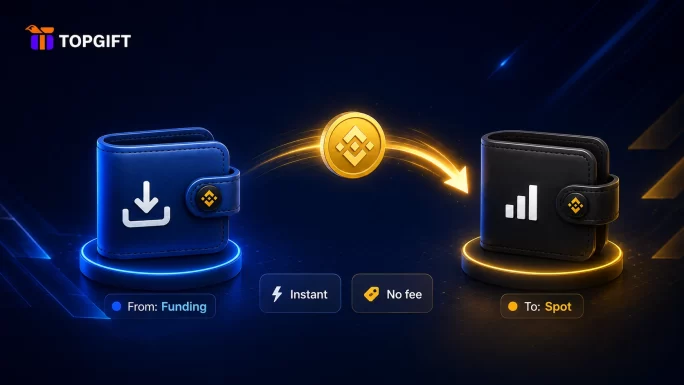
Moving crypto from one wallet to the other is quick, free, and instant, since it all stays inside your own account. On Binance it’s a simple transfer:
- Go to your Wallet section and choose Transfer.
- Set “From” to Funding and “To” to Spot (or the other way round if you need to).
- Pick the coin and the amount.
- Confirm — the balance moves across instantly, with no network fee.
That’s the whole thing. If you redeemed a card and want to trade, transfer from Funding to Spot and your coins will appear in the trading screens. There’s no cost and no waiting, because nothing leaves your account — it just changes pockets.
Why It’s Set Up This Way
The split seems like a hassle at first, but it exists for a sensible reason: it keeps your incoming money separate from your active trading balance. That separation makes it clearer what’s what, and adds a small layer of deliberateness before funds are sitting in a trading screen ready to move. Once you know the two exist, the whole thing stops being confusing and starts being useful.
Frequently Asked Questions
Why is my redeemed crypto in my Funding Wallet?
Because the Funding Wallet is where money from redemptions, transfers, and payments arrives by default. That’s normal, not an error. To trade it, transfer it to your Spot Wallet.
Does it cost anything to move between Funding and Spot?
No. Transferring between your own wallets is free and instant, with no network fee, because the funds never leave your account — they just move from one wallet to the other.
I redeemed a gift card and can’t find my crypto — where is it?
Check your Funding Wallet first. Redeemed balances usually land there rather than in the Spot Wallet, which is why they don’t show up on the trading screen until you transfer them across.
The Short of It
Funding for money coming in, Spot for trading once it’s there — two pockets, one account, an instant free transfer between them. If your redeemed crypto seemed to vanish, the Funding Wallet is almost always where it’s waiting.