
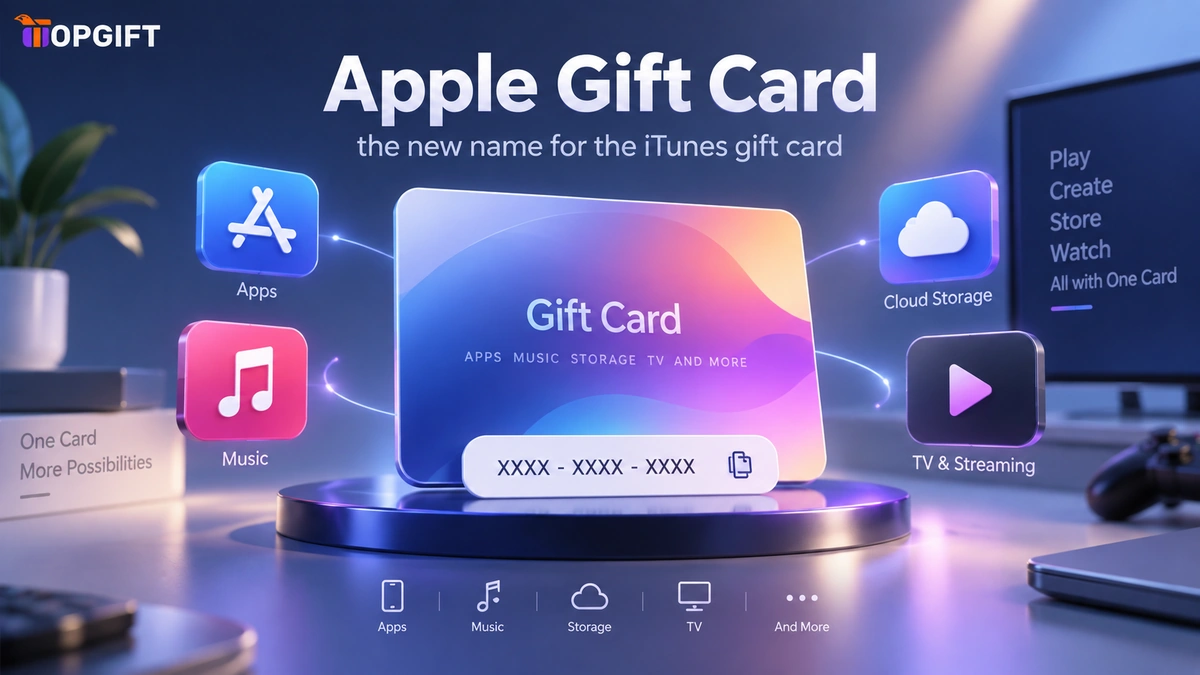
A lot of people still search for an “iTunes gift card”. It’s worth clearing that up before anything else: Apple retired the name. What you’re looking for is now the Apple Gift Card, and it does more than the old iTunes card ever did. This guide explains what changed, what the card covers today, and how to use it to pay for Apple services without a bank card.
In this guide
It Is Not Called iTunes Anymore
iTunes as a standalone store wound down years ago. Apple folded its gift card system into one unified product along the way. There’s no separate iTunes card any more, no separate Apple Music card, and no confusing choice between three near-identical options at checkout. There’s just the Apple Gift Card. It funds a single Apple Account balance that works across every Apple service.
If you’re holding an old iTunes-branded code, don’t worry — it still redeems. The balance lands in the same Apple Account. Nothing you’ve already bought is affected. The name is simply different going forward. Searching “iTunes gift card” in 2026 still gets you an Apple Gift Card.
What an Apple Gift Card Actually Covers
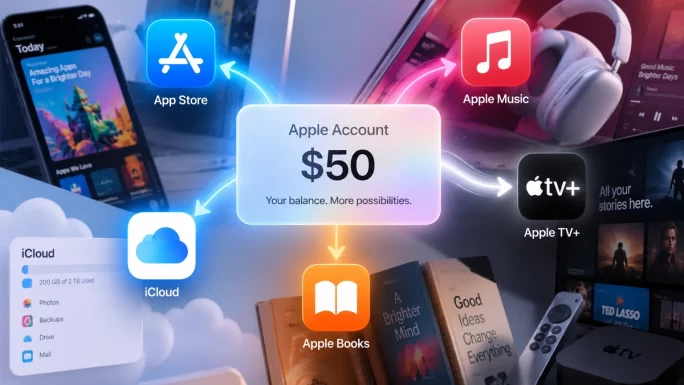
Because everything runs through one Apple Account balance now, the card covers a wider range than the old iTunes card did. Apps and in-app purchases from the App Store draw from it. So do Apple Music subscriptions, Apple TV+ shows and movie rentals, iCloud+ storage plans, Apple Arcade, and any other Apple subscription.
That consolidation is genuinely useful. Instead of guessing which card someone needs — one for music, another for storage, a third for apps — a single Apple Gift Card covers whichever they actually use. You buy one card. It works wherever their Apple habits take them.
Paying Without a Bank Card
The rebrand aside, the reason most people end up here hasn’t changed. They need to pay for something in Apple’s ecosystem and can’t, or would rather not, use a bank card. A card gets declined. A bank blocks recurring Apple charges. Or someone simply doesn’t want a subscription quietly renewing on their card every month.
An Apple Gift Card solves all three. Redeeming a code adds credit to the Apple Account balance directly, and purchases draw from that balance before anything touches a card. Because it’s a fixed amount rather than an open card, spending stops when the balance runs out. That suits a teenager’s app purchases, a parent funding a child’s Apple Account, or anyone who’s been caught by a forgotten subscription renewal before.
It also works for someone without a card that functions on Apple’s checkout at all. No bank has to approve anything, so the balance is simply there once you’ve redeemed it.
Getting the Region Right
Apple Accounts are tied to a region, and so is every Apple Gift Card. A card bought for one country’s store won’t redeem on an account set to another, regardless of the currency printed on it. Check the country shown in your Apple Account settings before buying. This is the detail that trips people up most often.
The full Apple Gift Card range covers sixteen regions, each labelled clearly. Matching the card to your account takes a moment rather than a guess.
Shop Apple Gift Cards →Frequently Asked Questions
Is the iTunes gift card still a thing?
Not under that name. Apple unified it into the Apple Gift Card. It funds the same Apple Account balance and covers everything the old iTunes card did, plus more.
Will an old iTunes gift card code still work?
Yes. Existing codes redeem into your Apple Account balance the same way a new Apple Gift Card does. Nothing about your account changes.
What can I actually buy with an Apple Gift Card?
Apps and in-app purchases, Apple Music, Apple TV+, iCloud+ storage, Apple Arcade, and other Apple subscriptions — all from the same balance.
How do I redeem an Apple Gift Card?
Open the App Store app, tap your profile icon, and select Redeem Gift Card or Code. Enter the code, and the balance adds to your Apple Account instantly.
Which region should I buy?
The one matching your Apple Account, shown in your account settings — not the country you’re currently in. A card for the wrong region will not redeem.


