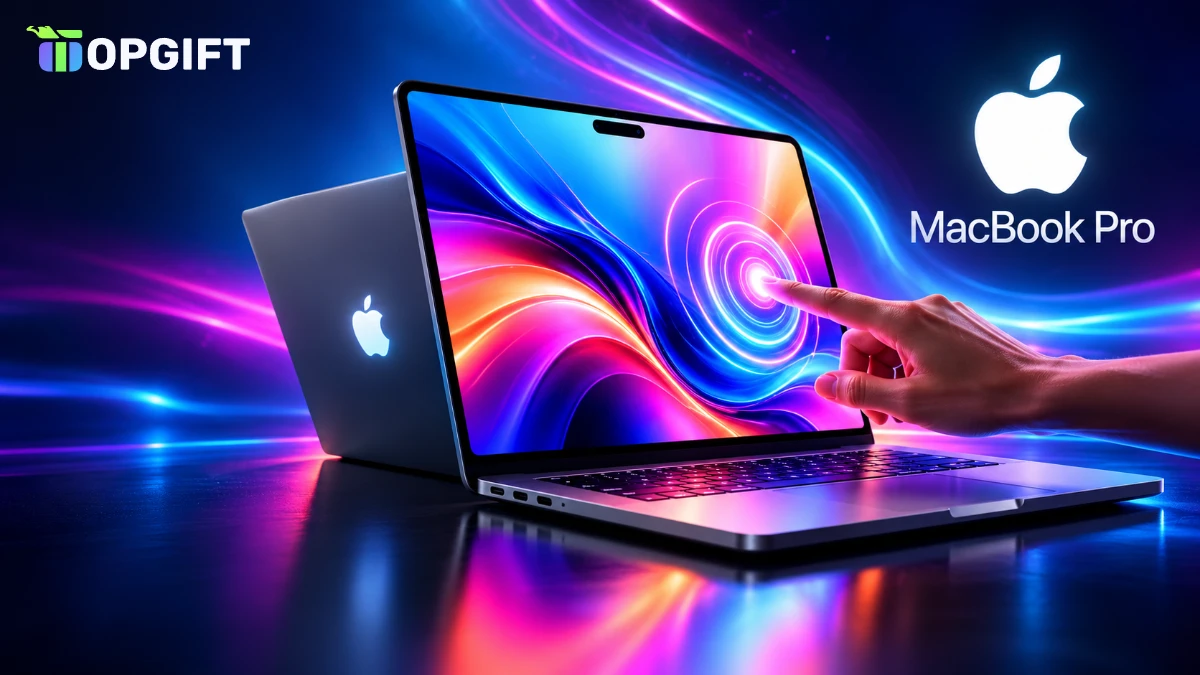
Apple has finally put a touch screen on the Mac. The new touchscreen MacBook Pro, announced on October 28 at the Pro and Tell event, pairs a tandem OLED panel that Apple calls the PROLED XDR display with M5 Pro and M5 Max chips. According to Apple’s announcement, pre-orders are open now in 30 countries and regions, and the first orders arrive on Friday, November 6.
It is the biggest MacBook Pro redesign in years. The notch is gone, a Dynamic Island takes its place, and macOS 27 now understands taps, pinches and swipes. The price is the catch, though: the 14-inch model starts at $2,899. We covered the rumours in our Pro and Tell preview, and here is what Apple actually announced.
Touchscreen MacBook Pro at a glance
What the Touchscreen MacBook Pro Brings
Apple calls this its first Mac designed for touch from the start. Instead of adding a glass layer on top, the company built the touch sensor into the OLED panel itself, which keeps the lid thin and the image sharp.
The body changes too. The 14-inch version weighs 3 pounds (about 1.36 kg), half a pound less than before, while the 16-inch model drops to 4 pounds (about 1.81 kg). Both are slightly thinner, and a redesigned hinge keeps the screen steady when you tap it. On the lid, the Apple logo lights up again, a detail many long-time Mac fans have missed since 2016.
Under the hood, however, Apple kept the M5 Pro and M5 Max chips from the MacBook Pro models released in March instead of moving to M6. Performance is therefore close to the current generation, so the real upgrade is the screen and everything built around it.
The PROLED XDR Display
The PROLED XDR screen on the touchscreen MacBook Pro is a tandem OLED panel, which means it stacks two layers of self-lit pixels. As a result, it gets much brighter than a single-layer OLED and usually lasts longer. Apple quotes up to 2,000 nits of peak brightness for both HDR and SDR content and a contrast ratio of 10,000,000:1.
Motion stays smooth as well. ProMotion runs at up to 120Hz and drops as low as 10Hz to save battery when the image is still. For creative work, the panel covers P3 and Adobe RGB plus more than 80 percent of Rec. 2020, and it offers reference modes for colour grading and photo editing.
There is also an optional nano-texture finish etched into the glass. It cuts reflections in bright rooms but adds about $150 to the price, so most buyers will be happy with the standard glossy screen.
How Touch Works in macOS 27
Touch arrives with macOS 27, and Apple has kept it simple. You still use the keyboard and trackpad for most work, but you can now reach out and use the screen whenever that is faster. These are the main gestures:
- Scroll through pages and documents with one finger.
- Pinch to zoom in on photos, maps and PDFs.
- Drag and drop files and windows directly on the screen.
- Double-tap a window to make it fill the screen.
- Flick a window to the side to tile it.
On the touchscreen MacBook Pro, window buttons also get bigger when you touch them, so the small close and minimise controls are easier to hit. Finder and Calendar have their own touch tweaks, and third-party developers can add touch support to their apps.
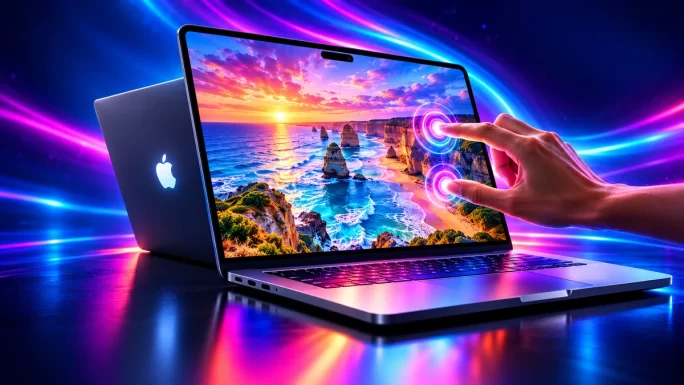
Still, the Mac does not turn into an iPad. Touch works alongside the keyboard and trackpad rather than replacing them, which is why Apple focused on quick actions like scrolling, zooming and arranging windows.
Dynamic Island Comes to the Mac
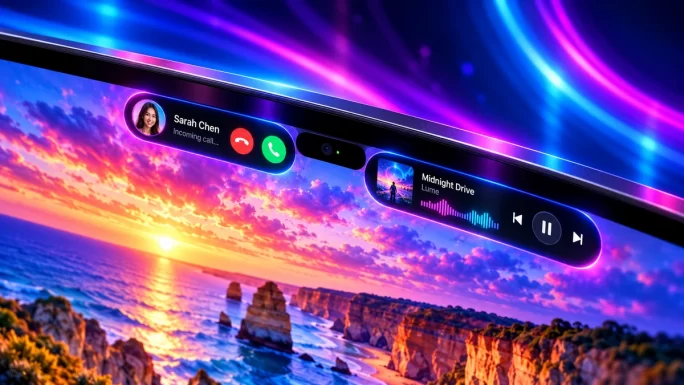
The notch at the top of the touchscreen MacBook Pro screen is gone. In its place sits a smaller Dynamic Island, the same idea Apple uses on the iPhone. It shows Live Activities, such as a timer or a delivery, and it is the new home of Spotlight and Siri AI.
From the island you can answer a phone call, pause or skip music and accept an AirDrop request without opening another app. Siri AI is still in beta in macOS 27.2 and works in six languages: English, French, Japanese, Korean, Portuguese and Spanish. Spotlight only moves into the island when Siri AI is available and switched on.
Specs, Battery and Ports
The touchscreen MacBook Pro has a strong spec sheet across the board. You can configure up to 128GB of unified memory and up to 16TB of storage. Apple promises up to 24 hours of battery life, and fast charging fills the battery to 50 percent in 30 minutes.
Ports stay generous: three Thunderbolt 5 ports, HDMI, an SDXC card slot, MagSafe and a headphone jack. The M5 Pro drives up to three external displays and the M5 Max up to four. Wi-Fi 7 and Bluetooth 6 come from the Apple-designed N1 chip, while a 12MP Center Stage camera and six speakers with 50 percent deeper bass complete the package.
Touchscreen MacBook Pro Price and Release Date
Pre-orders opened on October 28 in 30 countries and regions, including the US. Orders start arriving on Friday, November 6, which is also the day the new models go on sale in Apple Stores.
Touchscreen MacBook Pro prices (US)
| Model | Price | Education |
|---|---|---|
| 14-inch, M5 ProBest pick | $2,899 | $2,749 |
| 16-inch, M5 Pro | $3,399 | $3,199 |
| 14-inch, M5 Max | $4,499 | $4,199 |
| 16-inch, M5 Max | $4,799 | $4,499 |
At the top end, a 16-inch model with M5 Max, 128GB of memory, 16TB of storage and nano-texture glass costs $14,549. Prices in euros and pounds appear on each country’s Apple Store and include VAT, so expect higher numbers than the US prices above.
Touchscreen MacBook Pro vs the M6 Model
A day before the touchscreen launch, Apple also announced a new 14-inch MacBook Pro with the M6 chip. It starts at $1,999, has a 12-core CPU and a 12-core GPU, promises up to 24 hours of battery life and ships on November 6 in Space Black and Silver. It has no touch screen and no OLED panel.
Meanwhile, the older mini-LED MacBook Pro models with M5 Pro and M5 Max are gone. That makes the choice simple. If you want touch, the OLED screen and the Dynamic Island, the touchscreen MacBook Pro is the only option. If you mainly need a fast, portable Mac and want to save $900, the M6 model is the smarter buy.
Owners of a recent M4 or M5 MacBook Pro should think twice before upgrading. The chips are similar, so you would mostly pay for the new screen. Apple also refreshed the iMac with M6 from $1,499 and launched an OLED iPad mini, which we cover in our new iPad mini news.
How to Pay With an Apple Gift Card
If you plan to buy a new Mac, an Apple Gift Card can cover part or all of the price. In countries where Apple accepts it for products, such as the US, you can use it on apple.com, in the Apple Store app and in Apple Stores. The same card also tops up your Apple Account balance for apps, iCloud+ and subscriptions.
That balance is handy for Apple Creator Studio too, the subscription for Final Cut Pro, Logic Pro and other pro apps. It costs $12.99 a month or $129 a year, and when you subscribe through the App Store, your balance pays for it instead of a bank card.
Pick the right regionApple Gift Cards only work in the country they were issued for. Choose the card that matches your Apple Account region, for example a US card for a US account.
Gift cards also make it easier to stick to a budget for a big purchase. You can collect the amount over a few weeks and then redeem everything at once.
Pay for your new Mac
Apple Gift Cards
Top up your Apple Account for apps and subscriptions, or pay on apple.com where gift cards are accepted. Codes arrive in your account within minutes.
Shop Apple Gift CardsFrequently Asked Questions
Pre-orders opened on October 28, 2026. The first orders arrive on November 6, 2026, the same day the laptop goes on sale in Apple Stores.
It starts at $2,899 for the 14-inch model with M5 Pro. The 16-inch model starts at $3,399, and M5 Max versions start at $4,499.
No. The touchscreen models use M5 Pro or M5 Max. The M6 chip is only in the cheaper 14-inch MacBook Pro without touch, which starts at $1,999.
Yes, in countries where Apple accepts gift cards for products, such as the US. You can use it on apple.com, in the Apple Store app or in an Apple Store.