
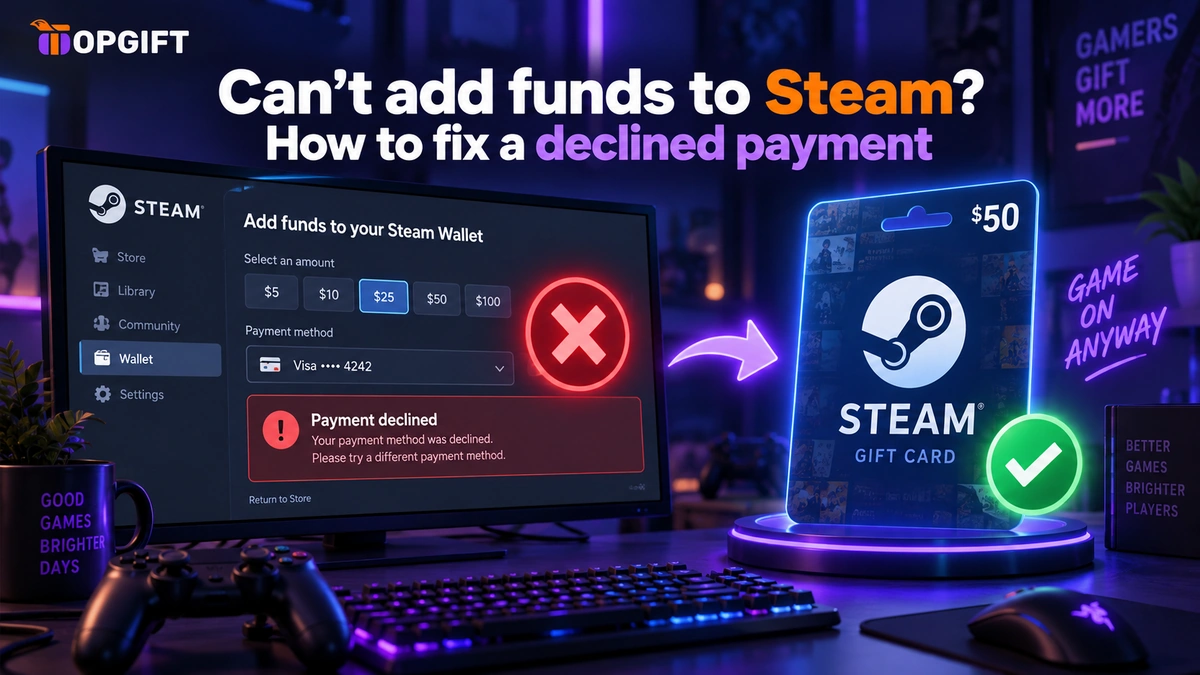
You’re trying to top up your Steam Wallet, and it just won’t go through. The card is declined, the payment fails, or Steam tells you to try again later. When you can’t add funds to Steam, it’s almost never a problem with your money — it’s usually your bank, a Steam limit, or a card Steam won’t take. Here’s what’s happening and the simplest way around it.
In this guide
Why You Can’t Add Funds to Steam
A failed Steam top-up usually comes down to one of a few things. Your bank refuses the payment, Steam temporarily blocks further attempts after a few tries, or your card type isn’t supported for your region. In each case, the money is fine — something between your card and Steam is getting in the way. Let’s go through them.
Your Bank Blocked It
Banks frequently decline payments to gaming and digital platforms, especially larger ones. A fraud filter flags the transaction as unusual, or the bank simply blocks the merchant category, and the payment fails with a vague error. Retrying often doesn’t help, because the reason hasn’t changed. This is one of the most common causes, and it’s entirely on the bank’s side, not yours.
Too Many Attempts in a Row
Here’s one people run into and don’t expect. If a payment fails and you try again several times, Steam steps in and temporarily blocks further attempts as a security measure. After that, you simply can’t add funds for a while, no matter what you do — you have to wait for the limit to refresh before trying again.
It’s especially easy to hit when adding a larger amount: a few declined attempts on a big top-up, and Steam locks you out of trying more for a while. Frustrating when you just want the money in your wallet and ready to spend.
Your Card Isn’t Supported
Sometimes the card itself isn’t accepted for your Steam region. A card issued in one country may not work on a Steam account set to another, or the specific card type isn’t supported for wallet top-ups where you are. Steam refuses it, and no amount of retrying changes that.
The Simple Fix: A Steam Gift Card
A Steam gift card sidesteps all three problems at once. Instead of paying with a card Steam or your bank won’t cooperate with, you redeem a gift card code, and the balance is added to your wallet directly. No bank involved in the top-up, no card to decline, and no attempt limit to trip over.
It’s the cleanest route when the normal method keeps failing — particularly for a larger top-up, where a gift card avoids the whole cycle of declines and waiting. Redeem the code, and the funds are simply there, ready to spend on games and content.
Getting the Region Right
Steam gift cards are tied to a region, so the one thing to get right is matching the card to the country your Steam account is set to. A card for the wrong region won’t redeem. Check your account’s country first, then choose the matching card — each product page shows its region clearly, along with where to redeem the code, so it’s easy to pick the right one.
Buy a Steam Gift Card →Frequently Asked Questions
Why does Steam keep declining my card?
Usually your bank is blocking the payment, or you’ve hit Steam’s limit on repeated attempts. Both fail with vague errors, and retrying rarely helps. A gift card avoids the card entirely.
Why can’t I add funds after several tries?
Steam temporarily blocks further top-up attempts after a few failures, as a security measure. You have to wait a while for it to refresh. A gift card isn’t affected by this limit.
Does a Steam gift card avoid these problems?
Yes. You redeem a code rather than paying by card, so bank declines and attempt limits don’t apply. The balance is added to your wallet directly.
Which region gift card should I buy?
The one that matches your Steam account’s country. A card for the wrong region won’t redeem, so check your account setting first — each product page lists its region.
The Bottom Line
When you can’t add funds to Steam, it’s nearly always the bank, an attempt limit, or an unsupported card — not your balance. You can wait and retry and hope it clears, or you can skip the whole thing with a gift card that redeems straight into your wallet. For a stubborn decline, or a large top-up that keeps failing, the gift card is simply the easier way.


